
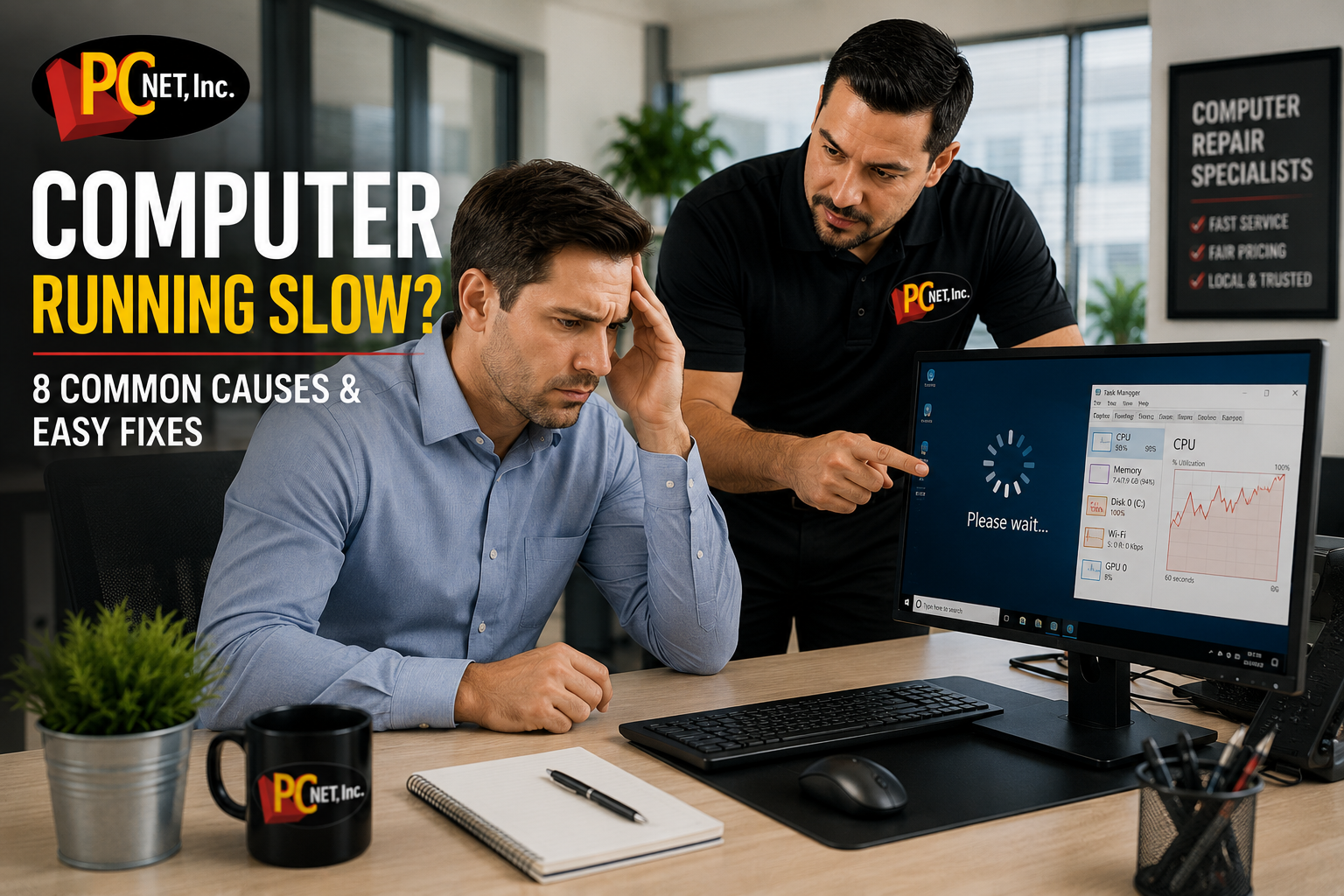
If your computer has become slow to start, takes forever to open programs, or freezes during everyday tasks, you’re not alone. Slow computers are one of the most common technology problems affecting both businesses and home users, often reducing productivity and causing unnecessary frustration.
The good news is that many performance issues can be identified and resolved without replacing your computer. In this guide, we’ll explain the most common reasons computers slow down, provide practical troubleshooting tips, and help you determine when it’s time to seek professional computer repair.
Why Is My Computer Running Slow?
A slow computer doesn’t always mean it’s time to buy a new one. In many cases, poor performance is caused by software issues, outdated hardware, or a lack of routine maintenance. Identifying the root cause early can help restore speed, improve reliability, and extend the life of your computer.
Whether you use your computer for work, school, or everyday tasks, understanding what’s causing the slowdown is the first step toward improving its performance.
8 Common Causes of a Slow Computer
1. Too Many Startup Programs
Many applications automatically launch when Windows starts. Having too many startup programs can significantly increase boot time and slow down your computer before you even begin working.
2. Low Available Storage
When your hard drive or SSD is nearly full, Windows has less room to manage temporary files and virtual memory, which can reduce overall performance.
3. Insufficient Memory (RAM)
Running multiple programs with limited RAM forces Windows to rely on the storage drive, making everything feel slower.
4. Malware or Viruses
Malicious software can consume system resources, run unwanted background processes, and seriously impact your computer’s speed and security.
5. Outdated Hardware
Older computers with traditional hard drives or aging components may struggle to keep up with modern software and operating systems.
6. Windows Updates and Background Processes
Windows updates, antivirus scans, and other background tasks can temporarily slow your computer while they are running. If your computer became noticeably slower immediately after installing an update, see our guide on Windows Slow After Update? 7 Common Causes & What to Do for additional troubleshooting steps.
7. Dust and Overheating
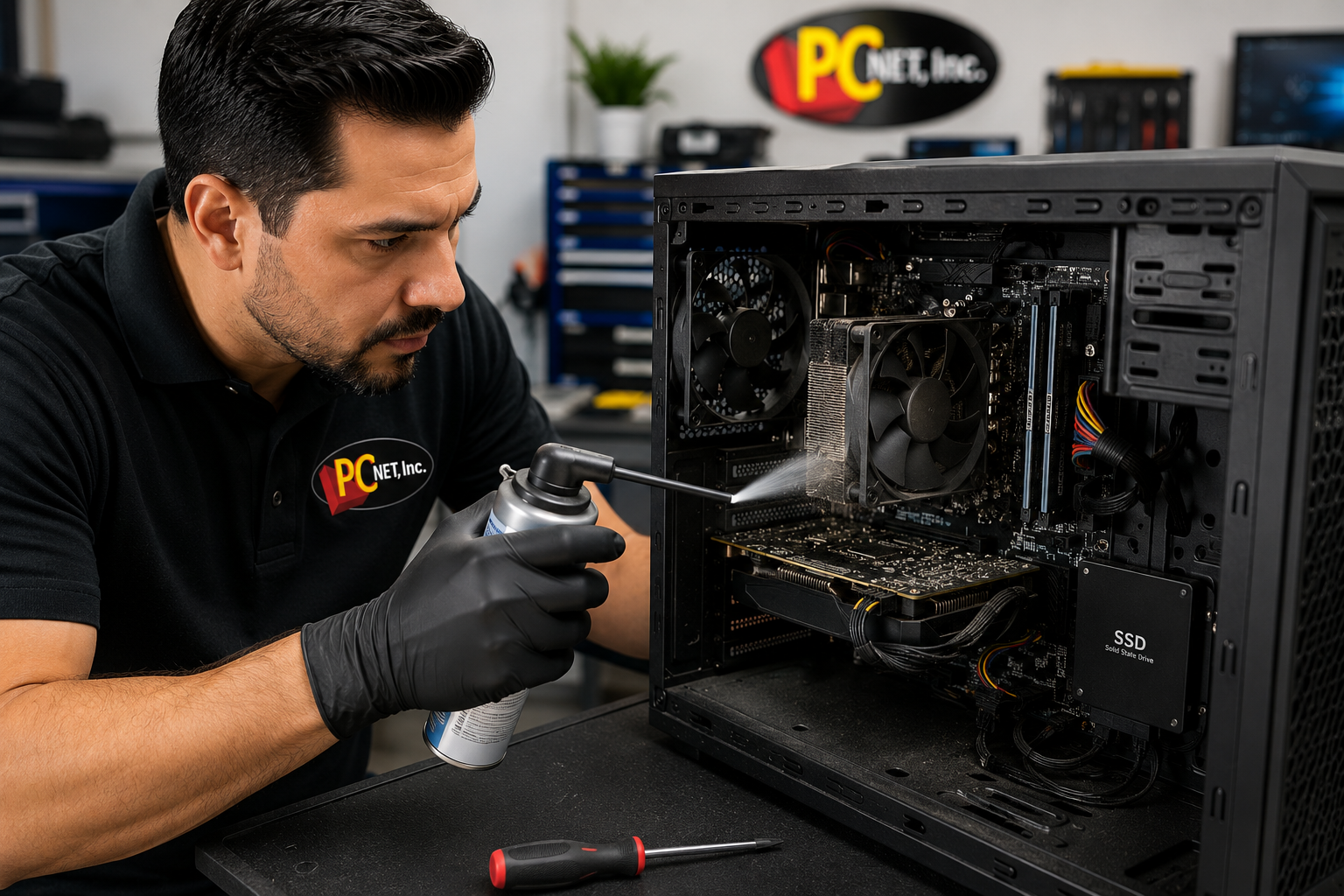
Dust buildup inside your computer restricts airflow and causes components to run hotter. To protect itself, the processor may reduce its speed, resulting in noticeably slower performance.
8. Lack of Routine Maintenance
Temporary files, outdated software, unnecessary programs, and fragmented data can accumulate over time. Regular maintenance helps keep your computer running efficiently.
How to Speed Up a Slow Computer
Before replacing your computer, try these simple steps to improve its performance:
- Restart your computer to clear temporary processes and free up system memory.
- Disable unnecessary startup programs to reduce boot time and improve responsiveness.
- Free up storage space by removing unused files and applications.
- Install Windows and driver updates to improve performance, compatibility, and security.
- Run a malware scan using trusted security software to detect unwanted programs.
- Clean dust from inside the computer to improve airflow and reduce overheating.
- Upgrade to an SSD or add more RAM if your current hardware no longer meets your needs.
If your computer is still running slowly after trying these steps, professional diagnostics can identify hardware failures or software issues that aren’t immediately visible.
For additional Windows performance recommendations, you can also review Microsoft’s official Windows support resources.
When Is It Time to Call a Computer Repair Technician?
If your computer is still running slowly after trying these troubleshooting steps, the problem may be related to failing hardware, software corruption, overheating, or malware that requires professional attention.
Ignoring persistent performance issues can lead to lost productivity, unexpected crashes, or even permanent data loss. A professional diagnosis can identify the root cause and recommend the most cost-effective solution.
If your computer won’t turn on at all, that’s often a different issue. Read our guide on what to check when your computer won’t turn on.
Frequently Asked Questions
Why is my computer so slow all of a sudden?
A sudden slowdown can be caused by Windows updates, malware, failing hardware, low storage space, or programs running in the background. If the issue continues after restarting your computer, further troubleshooting may be needed.
Can adding more RAM make my computer faster?
Yes, if your computer frequently runs multiple programs at the same time. However, if your computer still uses a traditional hard drive, upgrading to an SSD often provides an even greater improvement in overall performance.
Should I repair my computer or replace it?
Many slow computers can be restored with upgrades or repairs. A professional diagnosis can help determine whether repairing your current computer is more cost-effective than purchasing a new one.
Get Your Computer Running Like New Again
A slow computer doesn’t always mean it’s time to replace it. In many cases, a professional diagnosis, hardware upgrade, or routine maintenance can restore performance and extend the life of your system.
At PC Net, we’ve been helping homeowners and businesses throughout Miami and nearby communities keep their computers running reliably since 1998. Whether your desktop or laptop is running slowly, freezing, or taking too long to start, our experienced technicians are here to help.
Need help with a slow computer? Call us today at (305) 513-8614 or learn more about our professional computer repair services in Miami.