

Printer printing faded or streaky? If your office printer is producing light text, streaks, or uneven print quality, the problem may be caused by low toner or ink, worn components, incorrect settings, or a lack of routine maintenance. These print quality issues are common in both laser and inkjet printers and can affect everything from everyday office documents to important customer paperwork.
The good news is that many print quality problems can be resolved with a few simple troubleshooting steps. In this guide, we’ll explain the most common causes, show you how to improve print quality, and help you determine when it’s time to call a professional.
Why Is My Printer Printing Faded or Streaky?
Faded documents, light text, and streaks are often signs that your printer isn’t operating at its best. While low toner or ink is a common cause, worn internal components, dirty printer mechanisms, or incorrect print settings can produce similar results.
Identifying the problem early can improve print quality, reduce downtime, and help extend the life of your office printer.
6 Common Causes of Faded or Streaky Printing
1. Low Toner or Ink Levels
As toner or ink runs low, printed documents often become lighter and inconsistent. Replacing depleted cartridges is usually the first thing to check.
2. Dirty Printheads or Internal Components
Dust, toner residue, and paper particles can accumulate inside the printer over time. Dirty printheads or laser components frequently cause streaks and faded areas.
3. Worn Drum Unit
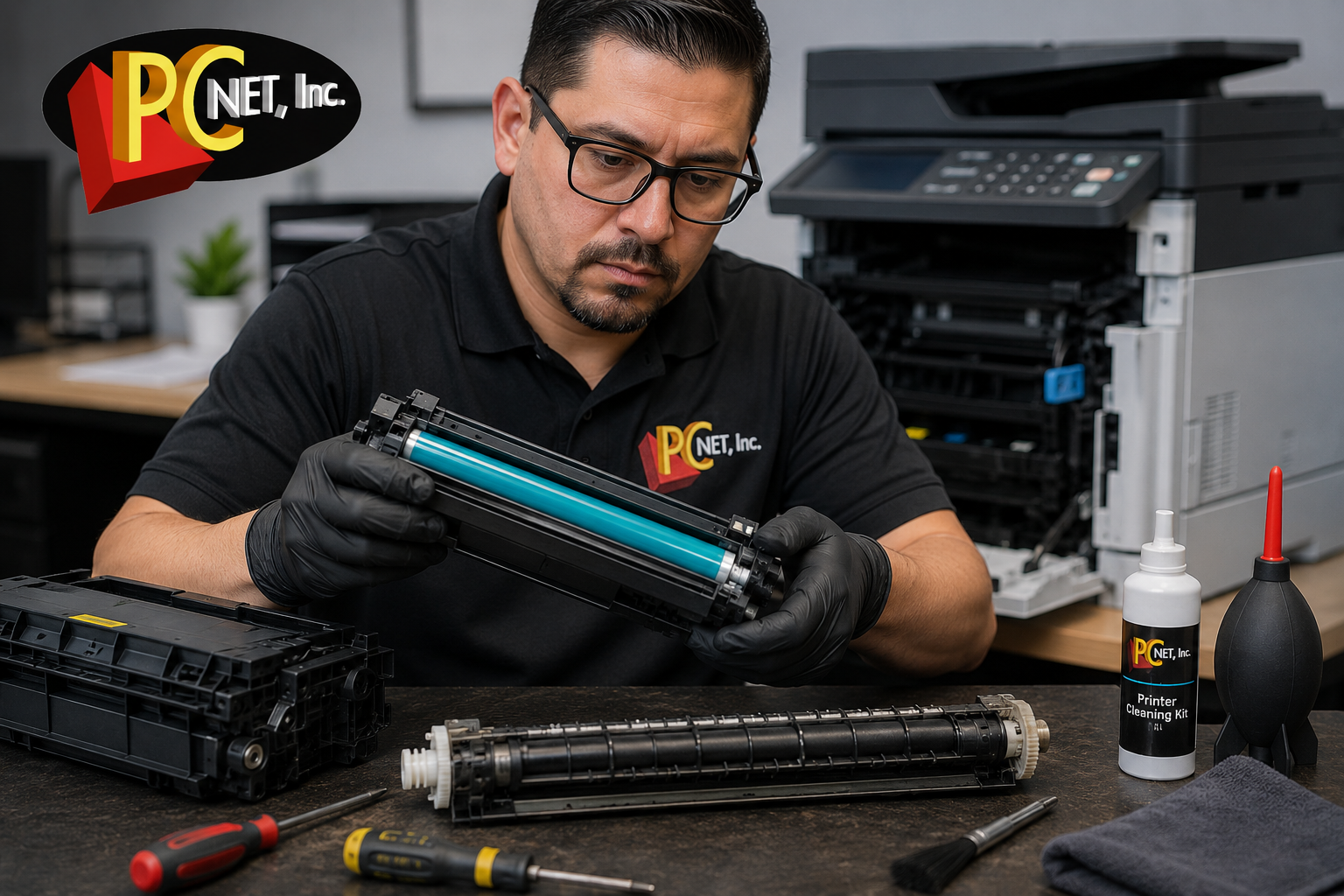
Many business laser printers use a separate drum unit. As it wears, print quality may decline with repeated marks, vertical streaks, or faded sections.
4. Incorrect Print Settings
Draft Mode, Economy Mode, or Toner Save Mode intentionally reduce toner usage. Make sure these settings aren’t enabled when you need high-quality prints.
5. Poor-Quality or Damp Paper
Paper stored in humid conditions or low-quality paper can interfere with toner adhesion and create faded or uneven printing.
6. Lack of Preventive Maintenance
Routine maintenance helps keep rollers, internal components, and print mechanisms clean, ensuring consistent print quality and reducing unexpected breakdowns.
How to Fix a Printer That’s Printing Faded or Streaky
Before scheduling a repair, try these simple troubleshooting steps:
- Check toner or ink levels and replace low cartridges.
- Use the printer’s built-in maintenance or cleaning tools when appropriate for your model.
- Print a diagnostic page to help identify the source of the problem.
- Verify the print settings and disable Draft or Toner Save mode if enabled.
- Use fresh, high-quality paper recommended for your printer.
For model-specific troubleshooting, you can also check your printer manufacturer’s official support documentation for recommended print-quality and maintenance procedures.
If the issue continues after these steps, the printer may require professional service.
When to Call a Professional
If your printer continues producing faded prints or streaks after basic troubleshooting, the issue may involve the drum unit, fuser, transfer belt, or another internal component that requires inspection or replacement.
A professional diagnosis can help prevent more expensive repairs and extend the life of your business printer.
If your printer is also experiencing paper jams, read our guide on Why Office Printers Keep Jamming.
Frequently Asked Questions
Why is my printer printing faded with a new toner cartridge?
A new toner cartridge may not solve the problem if the drum unit is worn, the laser components are dirty, or the printer is set to Draft or Toner Save mode.
Can a worn drum cause streaks?
Yes. A worn or damaged drum can cause vertical streaks, repeating marks, faded sections, and uneven toner coverage.
Does paper quality affect print quality?
Yes. Damp or low-quality paper can prevent toner from bonding correctly and may cause faded text, smudging, or inconsistent printing.
Need Professional Printer Repair in Miami?
If your office printer is still producing faded prints or streaks, PC Net can help. We provide professional printer repair for HP, Brother, Canon, and Lexmark business printers in Miami, FL and nearby communities.
Whether your printer needs routine maintenance or a more advanced repair, our experienced technicians can help restore sharp, reliable printing.
Contact PC Net today to schedule fast, dependable printer repair.
Phone: (305) 513-8614