
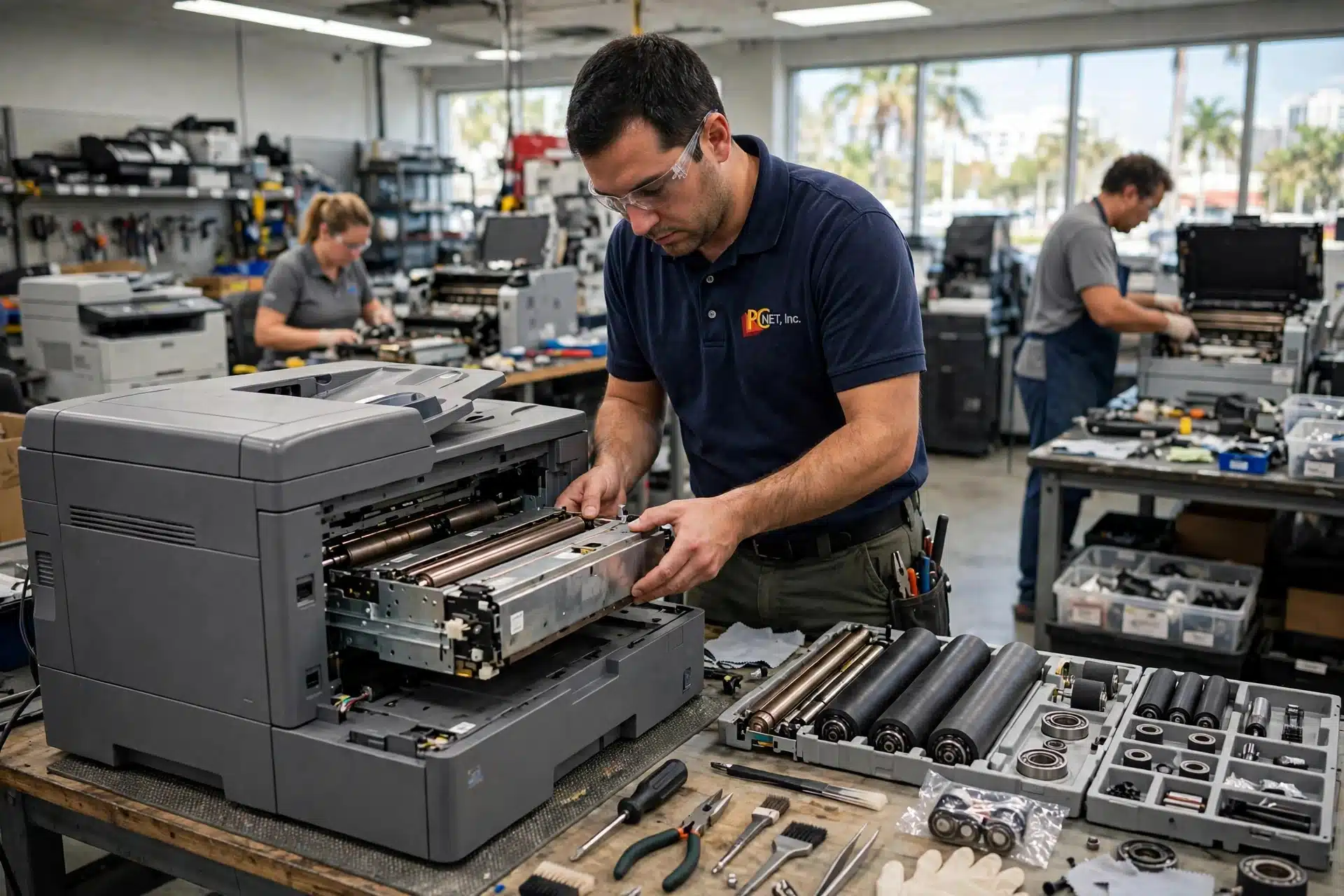
The HP LaserJet Enterprise M604, M605 and M606 are the printers Miami offices, warehouses and medical practices lean on all day, every day. They are built to run hard — which is exactly why they eventually need more than a fresh toner cartridge.
When one of these machines starts fading prints, smearing toner, wrinkling pages or jamming more often, the cause is usually not the toner. It is the group of wear parts HP bundles together as the preventive maintenance kit. This is one of the most common jobs in printer repair, and this guide explains what is in that kit, how to tell when yours is due, and what your options are.
What is actually in the maintenance kit?
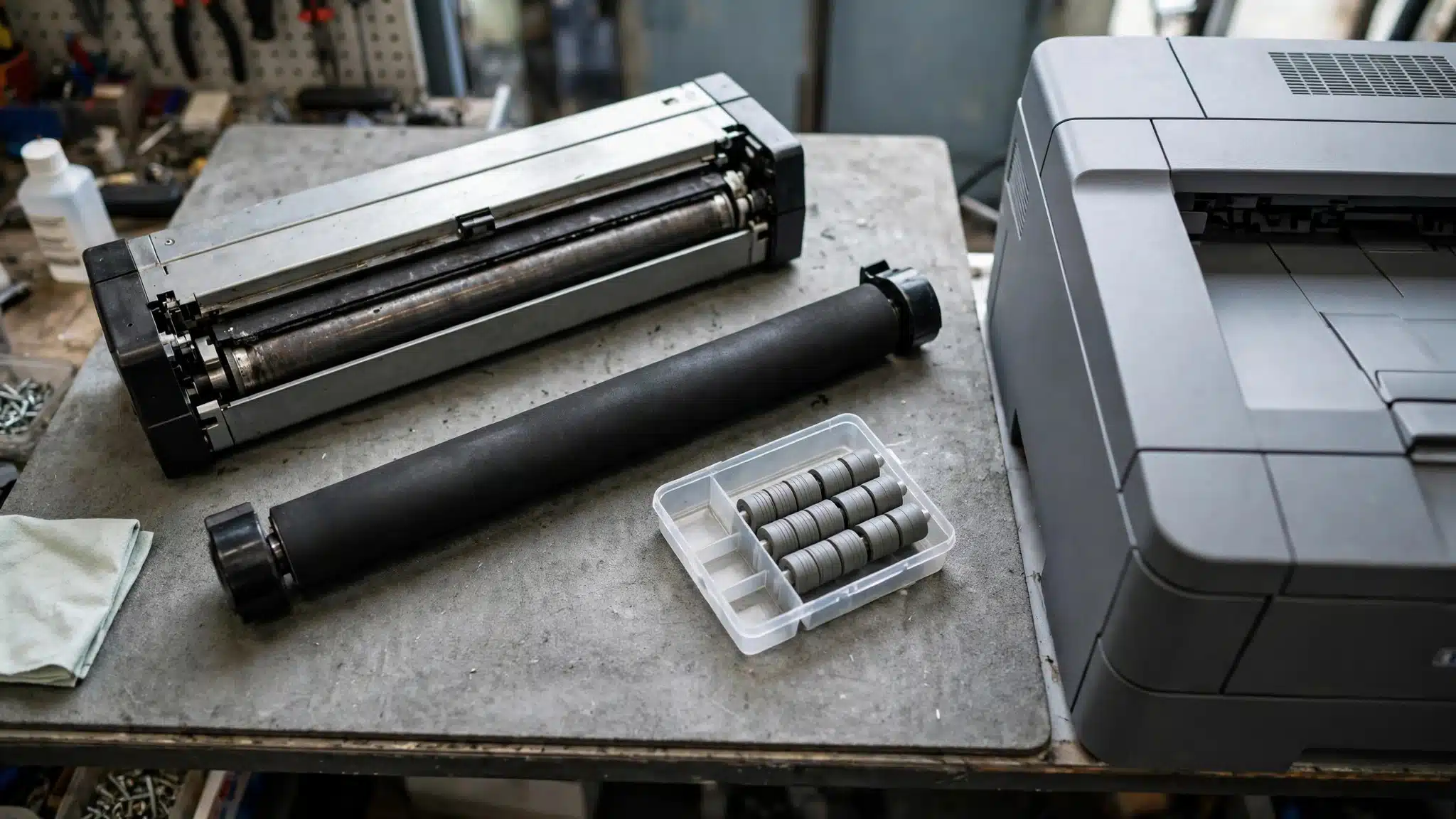
It is not a single part. The kit groups the three components that wear out together in normal high-volume printing:
- The fuser — the heated unit that bonds toner to the page so it stays put.
- The transfer roller — the roller that helps move the image from the cartridge onto the paper.
- The Tray 2 through 6 roller kit — the pickup, feed and separation rollers that pull one sheet at a time out of the paper trays, including the optional 500-sheet feeders and the 1,500-sheet high-capacity feeder.
The kit part numbers are:
- F2G76-67901 — Preventive Maintenance Kit, 110V (the version for standard U.S. power)
- F2G77-67901 — Preventive Maintenance Kit, 220V
The parts are also available on their own: the 110V fuser kit is E6B67-67901, the transfer roller is E6B67-67904, and the tray roller kit is E6B67-67905. One thing the maintenance kit does not include is the Tray 1 (multi-purpose tray) roller kit — that is a separate part, E6B67-67906. It is also why a good printer repair shop quotes the kit as a set, instead of chasing one worn part at a time.
Why these three wear out together
Every page your printer produces passes the same path: rollers pick the sheet up, the transfer roller helps place the image, and the fuser finishes it with heat and pressure. Those jobs happen on every single print, so the rubber rollers harden and lose grip, the transfer roller surface wears, and the fuser’s heated surfaces age at roughly the same pace. Replacing only the part that finally failed usually means the next one fails a few months later — which is why the kit exists, and why replacing the group together is normally the smarter repair. It is the difference between a printer repair that lasts and one you end up paying for twice.
Signs your M604, M605 or M606 needs the kit
In our shop, a worn maintenance kit usually announces itself like this:
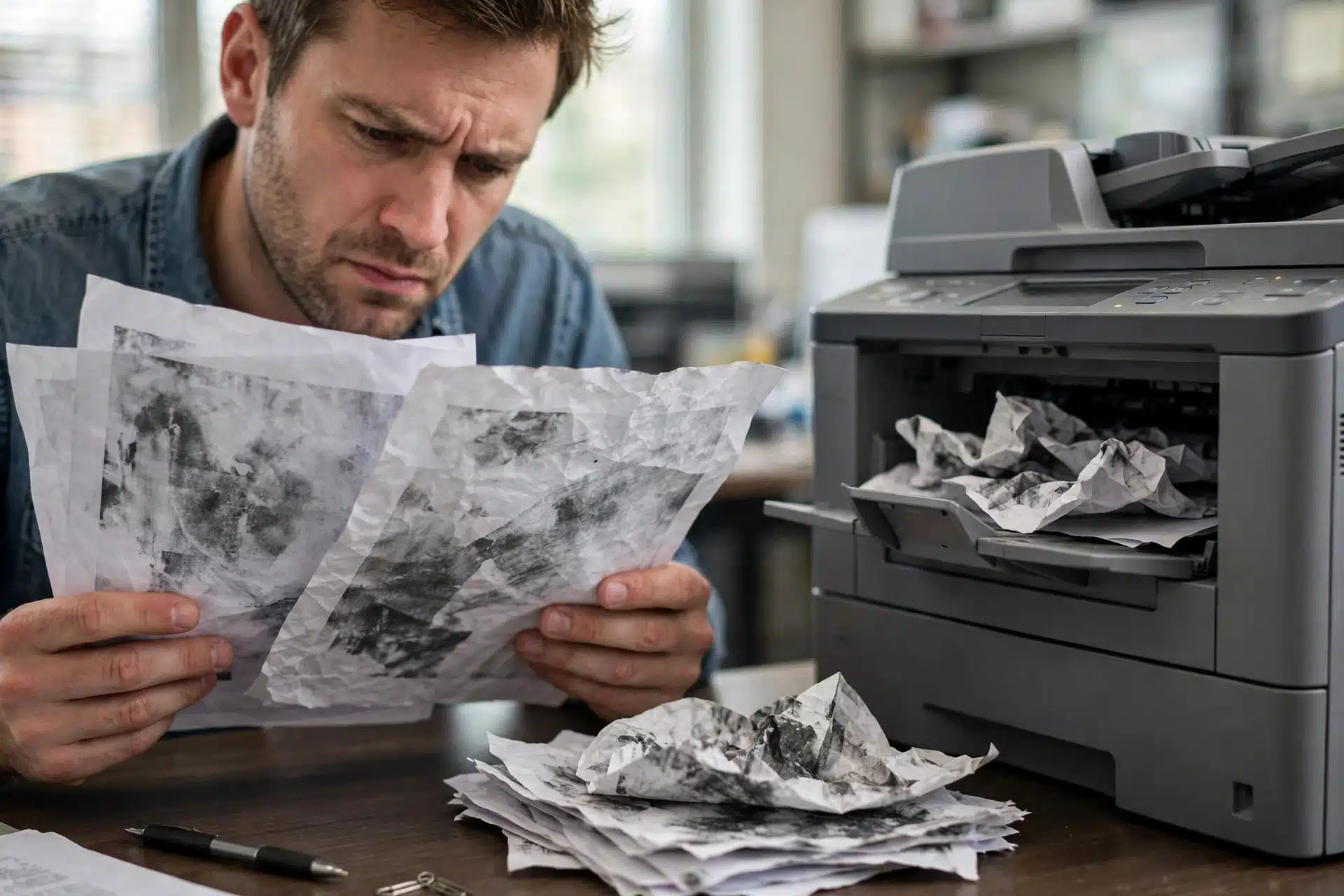
- Toner rubs or flakes off the page if you run a thumb over the print — a classic tired-fuser symptom.
- Wrinkled, creased or slightly scorched-looking pages, or toner smearing.
- Light, patchy or repeating marks down the page, even with a good toner cartridge fitted.
- More paper jams than usual, sheets pulled two or three at a time, or the printer failing to pick up paper from a tray that used to work.
- Print quality that looks “tired” overall — and does not improve when you install a new cartridge.
That last point is the one that saves businesses money: if a fresh, good cartridge did not fix the print quality, stop buying cartridges. The problem is downstream of the toner, in the wear parts above.
Every one of these is a routine printer repair call for us — and on this series, the kit is the answer more often than not.
Two checks you can do before you call anyone
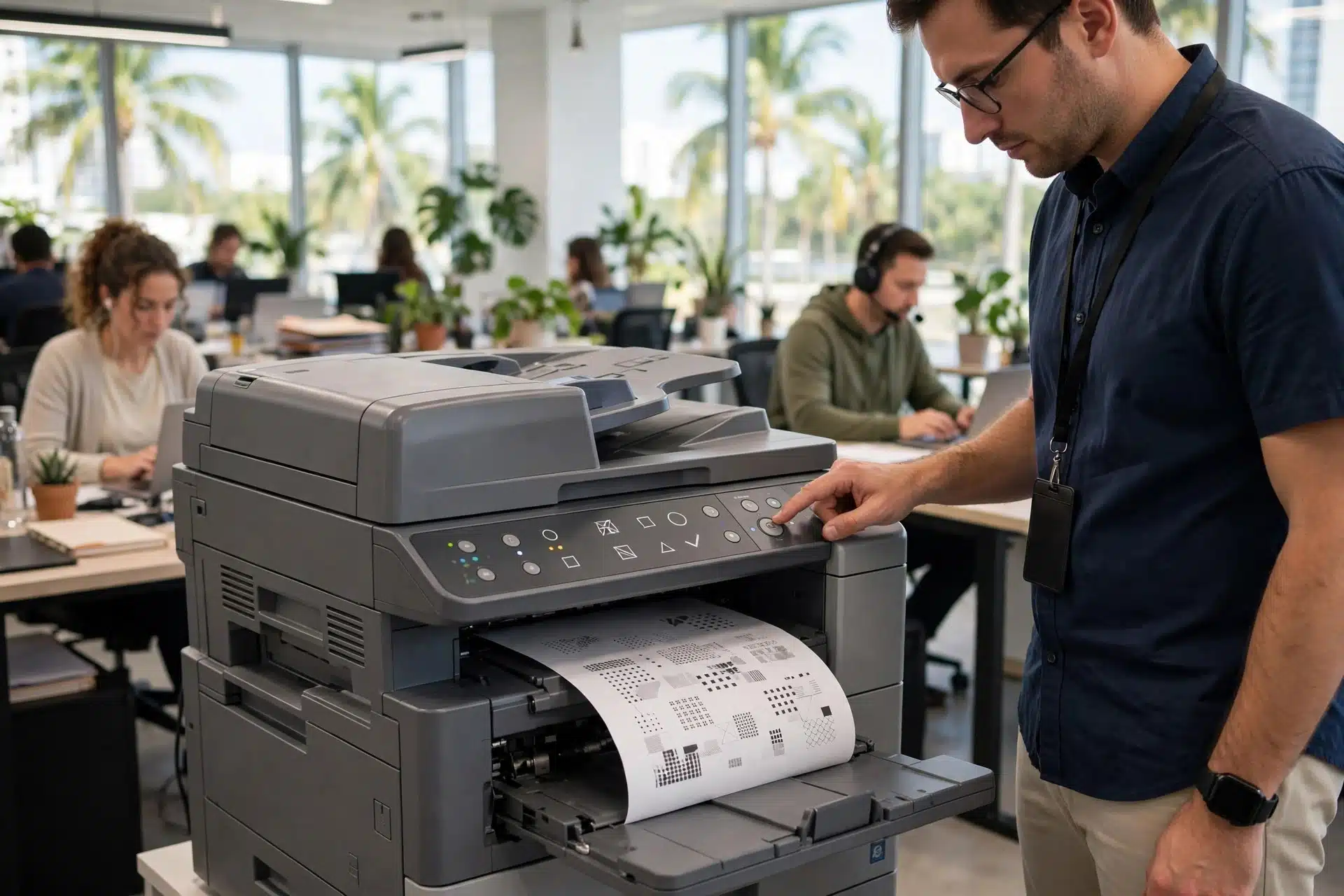
- Print a configuration page from the control panel and note the total page count. These are high-volume machines — a very high count alongside the symptoms above points straight at the wear parts.
- Test a different tray. If jams happen from one tray but the printer feeds cleanly from another, the rollers for that tray are the likely story. If it jams from every tray, the picture is bigger.
Can you replace the kit yourself?
HP classifies the fuser, transfer roller and tray rollers as its easiest level of customer-replaceable parts, and the fuser swap requires no special tools. Some office IT staff do handle it. Two cautions from experience: always switch the printer off, wait at least 30 seconds, and unplug it before opening anything up — and remember the fuser is a heated component, so give a recently used printer time to cool. If the machine is business-critical, you are not sure the kit is really the problem, or you simply do not want your own staff spending the morning inside a printer, that is what a printer repair shop is for. For drivers, firmware and HP’s own product help for this series, see HP’s official support page — that is the right source for software, while worn hardware is a repair job.
Maintenance kit, or a new printer?
This is the question we hear most, and on this series the answer is usually the kit. The M604, M605 and M606 were built for heavy daily volume in offices and warehouses; a worn fuser and tired rollers are expected maintenance on a machine like this, the same way brakes are expected maintenance on a delivery van. If the printer’s engine, electronics and paper path are otherwise sound, a maintenance kit restores the print quality and feeding it had when it was younger — for a fraction of the cost of a comparable new enterprise printer, and without retraining your whole office on a different machine. Replacement only starts to make sense when several major systems are failing at once, or the machine has other faults beyond the wear parts. A proper diagnostic tells you which side of that line your printer is on before you spend anything. Not sure which side yours is on? That is exactly what a printer repair diagnostic is for.
Frequently asked questions
How do I know if it is the maintenance kit or just the toner cartridge?
Swap in a known-good cartridge — ideally a new one — and print the same page again. If the fading, smearing or marks stay exactly the same, the cartridge is not the cause. Those symptoms live in the fuser and transfer roller, which are kit parts. That swap test is the first question any printer repair shop will ask, because it separates a free answer from a parts order.
Will a maintenance kit fix my paper jams?
If your jams come from worn pickup and separation rollers — sheets not being picked up, or two and three sheets feeding together — then yes, the roller kit in the maintenance kit addresses exactly that. Jams can have other causes too, such as a damaged tray or something stuck in the paper path, which is why a jam by itself does not automatically mean you need the full kit. If you are not sure which one you have, a printer repair inspection will separate the two before you spend on parts.
Can I replace just the fuser instead of the whole kit?
Yes — the fuser, transfer roller and roller kit are all sold separately (their part numbers are listed above). Just know that these parts wear at a similar pace, so replacing only the failed one often means another wear-part problem a few months later. We recommend the single-part route when the other parts genuinely test well.
How much does maintenance kit replacement cost?
The parts price depends on the exact model and kit, and labor depends on the printer’s condition, so we quote the printer repair after seeing the machine. What we can tell you up front: an in-shop diagnostic is $35 for printers, and we will tell you honestly if the kit is not worth doing on your particular machine before any work starts.
Is it worth repairing an older M604, M605 or M606?
Usually, yes. These models are still common in Miami businesses precisely because they hold up: with the maintenance kit done and no other major faults, a high-volume LaserJet like this typically has a lot of working life left in it. If yours has deeper problems, we will say so — our job is the honest call, not the biggest ticket.
Printer repair in Miami: when to bring it to PC Net, Inc.
If you found this page by searching for printer repair near me because your LaserJet is down, here is the honest test: if a fresh cartridge did not fix it and your page count is high, the maintenance kit is the likely answer — and it is a repair worth doing on these machines, not a reason to replace them. For printer repair in Miami, bring it in for an in-shop diagnostic — $35 for printers — and we will tell you honestly whether the kit will fix it or whether the machine is telling a different story. And if the printer can’t come to us, we can come to it — we do on-site printer repair for business machines across Miami-Dade. Robert, our head technician with more than 25 years of experience, handles these Enterprise LaserJets regularly. Repairs carry a 90-day warranty on parts and labor, and we are open Monday through Friday.
Call PC Net, Inc. at (305) 513-8614 — or see our Printer Repair page for more on how we handle business printer repair across Miami-Dade, and our Contact page for directions to the shop.
PC Net, Inc. is an independent repair company. HP and LaserJet are trademarks of HP Inc. This guide is not published or endorsed by HP.