
Disclosure: This article contains an affiliate link to Malwarebytes Premium, a product we recommend and install. If you buy through that link, PC Net, Inc. earns a commission at no extra cost to you. It never changes what we recommend — we only link to what we would put on a customer’s computer ourselves.

For illustration only.
A business computer infection rarely announces itself politely. It starts small — a pop-up that won’t close, a browser landing on strange pages, a machine that was fine yesterday and crawls today. What you do in the next sixty minutes decides whether this stays a one-computer cleanup or becomes your whole office, your email, and your customer data.
When a business computer is infected, the first hour decides the damage. We clean infected computers for Miami businesses every week, and the pattern is consistent: the customers who lose the least are the ones who did the first three things on this list quickly — and avoided the mistakes that make an infection worse. Here is the sequence, in order.
At a glance
- First move: disconnect the computer from the network — pull the cable, turn off Wi-Fi. Do this before anything else.
- Never: call the phone number on a virus pop-up, pay a ransom, or plug in your backup drive.
- From a clean device: change your email password first, then banking, and turn on two-factor authentication.
- In-shop diagnostic at PC Net, Inc.: $35 — call (305) 513-8614, Monday–Friday, 8:30 AM–5:00 PM.
In this guide:
- The signs it is really an infection (and not just a slow computer)
- Minutes 0–10: disconnect it from everything
- What not to do — the mistakes that spread the damage
- Minutes 10–30: protect your accounts from a clean device
- Minutes 30–60: cleanup, or wipe and rebuild? How to decide
- After it is clean: the protection we recommend
- Frequently asked questions
The signs it is really an infection (and not just a slow computer)
Look for the signs that separate an infection from a merely aging machine:
- Pop-ups claiming your computer is infected, especially ones with a phone number to call or a countdown timer. Real protection software never asks you to call a number.
- Your browser goes where it wants — homepage changed, searches redirect to unfamiliar sites, new toolbars or extensions you never installed.
- Programs appear that nobody installed, or your security software is suddenly disabled and won’t turn back on.
- Files have strange new extensions or won’t open, possibly with a note demanding payment. That is ransomware — skip straight to disconnecting and calling a professional.
- People tell you they received odd emails from your address that you never sent.
One or two of these together almost always means something malicious is running. Treat it as an infection and start the clock.
For illustration only.
Minutes 0–10: disconnect it from everything
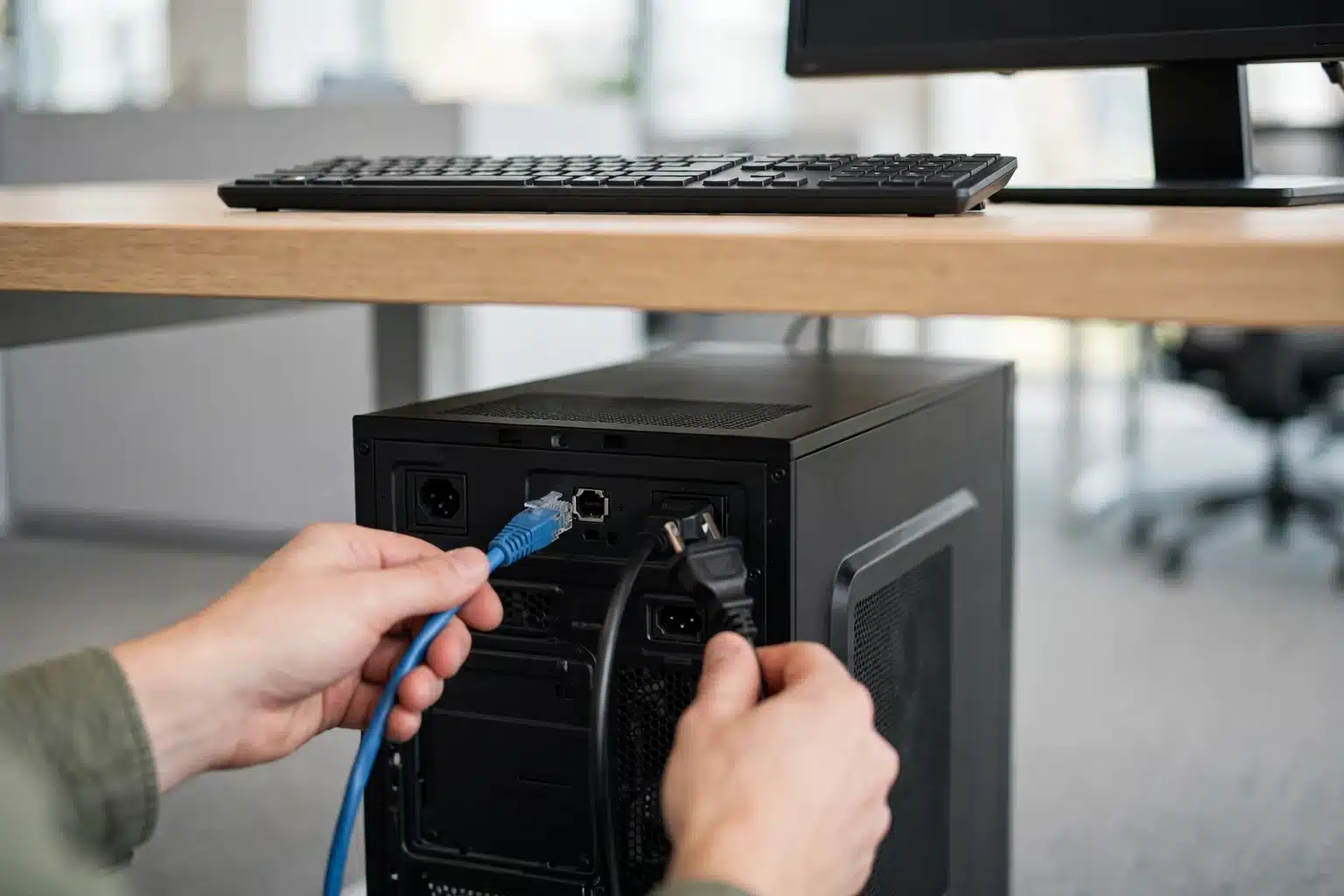
The single most valuable action costs nothing and takes ten seconds: take the computer off the network. Pull the ethernet cable, or turn off Wi-Fi. Most modern malware needs that connection — to spread to the other computers in your office, to send your data out, or to receive instructions. A disconnected machine is an infection in a box instead of an infection on the move.
While you are there:
- Unplug external drives and USB sticks so the infection cannot reach them.
- Take a photo of any message on the screen with your phone. Exact wording and error codes tell a technician a great deal, and the screen may not show it again.
- Write down what happened just before it started — an attachment opened, an invoice downloaded, a website visited. That timeline is gold during diagnosis.
- Do not keep “testing” it. Every reboot and login attempt is another chance for the malware to dig in or phone home.
Then leave it alone and move to a clean computer or your phone.
Already seeing signs like these on an office computer? Don’t let it sit connected over the weekend. PC Net, Inc. diagnoses infected computers in-shop for $35 — call (305) 513-8614, Monday–Friday.
What not to do — the mistakes that spread the damage
Good intentions cause half the damage we see. Avoid these:
- Never call the number on a virus pop-up. That is the scam itself: a fake support agent who asks for remote access and a credit card, and leaves the computer worse than he found it. We recently documented a real case of unauthorized remote-access software on a business computer — it starts exactly this way.
- Never pay a ransom. Payment does not guarantee your files come back, and it marks your business as one that pays. Talk to a professional first.
- Do not plug in your backup drive “to check it.” If the infection is ransomware, a connected backup gets encrypted too. Your backup is only safe while it stays disconnected.
- Do not download the “removal tool” the pop-up offers, and do not type any password on the infected machine — keyloggers are common, and every password typed is a password handed over.
Minutes 10–30: protect your accounts from a clean device
An infected computer is a hardware problem. Your accounts are the bigger prize, and they can be defended right now — from a different, clean device, never from the infected one.
- Change your email password first. Email is the master key: whoever controls it can reset almost every other password you own.
- Turn on two-factor authentication for that email account while you are in there. This one step blocks most account takeovers even if a password leaked.
- Then banking and accounting — bank, accounting login, payroll, and Microsoft 365 or Google Workspace.
- Warn your contacts if strange email went out from your address. One short message — “my computer was infected, don’t open attachments from me today” — stops the infection from using your reputation to spread.
For illustration only.
Minutes 30–60: cleanup, or wipe and rebuild? How to decide
With the machine isolated and your accounts secured, the remaining decision is how the computer gets clean. There are two honest paths, and choosing wrong wastes either time or data.
A guided cleanup can be enough when the problem is adware or a browser hijacker — pop-ups and redirects, no encrypted files, no sign of stolen passwords, and the machine scans clean twice with zero findings.
Wipe and rebuild is the safer call when files are encrypted or renamed, malware returns after removal, security software can’t be re-enabled, or the computer holds sensitive customer or payroll data. Rebuilding from a known-clean state, restoring files from your disconnected backup, is slower — but it is the only way to know the machine is clean rather than hope it is.
For a business machine — especially one that touches customer data — this is where professional cleanup earns its cost. At our shop it starts with a $35 diagnostic, so you know which path the machine needs before you pay for either one. You can hand us the whole problem through our computer repair service in Miami, in-shop or on-site.

For illustration only.
After it is clean: the protection we recommend
Cleanup fixes yesterday’s infection. Protection is what makes this a one-time story. Three layers do most of the work: keep Windows and your browser updated, keep a backup that is not permanently connected, and run real-time protection on every machine — not just the one that got infected.
The protection we recommend and install after a cleanup is Malwarebytes Premium. It blocks malware, scams, and malicious sites in real time — on PCs, Macs, and phones — and it is built to catch exactly the pop-up scams and malicious downloads that start most of the infections we clean. It runs alongside the protection already in Windows rather than fighting it.
Malwarebytes Premium — the protection we recommend after we clean an infected computer.
Blocks malware, scams, and malicious sites in real time, on PCs, Macs, and phones.
Get Malwarebytes Premium → (affiliate link — PC Net, Inc. earns a commission at no extra cost to you)
For offices that would rather not manage this per-computer, that same layered protection — endpoint security, patching, monitoring — is what our Managed IT services in Miami include. Either way, the rule holds: protection installed on a calm Tuesday costs a fraction of cleanup on a panicked Friday.
For more depth, the U.S. Cybersecurity and Infrastructure Security Agency publishes a plain-language prevention guide worth bookmarking: CISA Stop Ransomware Guide.
Frequently asked questions
Can I just run a free scan and call it done?
A scan is a reasonable first look, but one clean scan does not prove a machine is clean — some infections hide from the tools meant to find them, or reinstall themselves at startup. If the machine handles customer data, treat a single free scan as information, not a verdict.
Will cleaning the computer delete my files?
A standard cleanup targets the infection, not your documents or accounting files, and we back up first whenever there is any doubt. A wipe-and-rebuild erases the drive by design — which is why it is only done with a verified backup to restore from.
Should I pay the ransom if my files are encrypted?
No — not without professional advice first. Payment frequently fails to restore everything, and some victims get targeted again precisely because they paid once. Disconnect the machine, preserve your backups, and get an assessment of what recovery options exist.
Is the protection built into Windows enough for a small business?
It is a solid baseline, far better than nothing. What it does not give you is a second layer watching for the scam sites, malicious downloads, and pop-up fraud that start most infections — which is why we recommend adding dedicated real-time protection, and why offices under a managed plan get that layer monitored for them.
PC Net, Inc. is an independent computer and printer repair company in Miami, FL, serving Miami-Dade businesses since 1998. Malwarebytes is a trademark of Malwarebytes Inc. This guide reflects our shop’s experience and is not published or endorsed by Malwarebytes Inc.
Computer infected right now? Call PC Net, Inc. at (305) 513-8614 — in-shop diagnostic $35, Monday–Friday, 8:30 AM–5:00 PM, at 2451 NW 109th Ave, Suite 11, Miami, FL 33172. On-site service is available for business machines across Miami-Dade.