
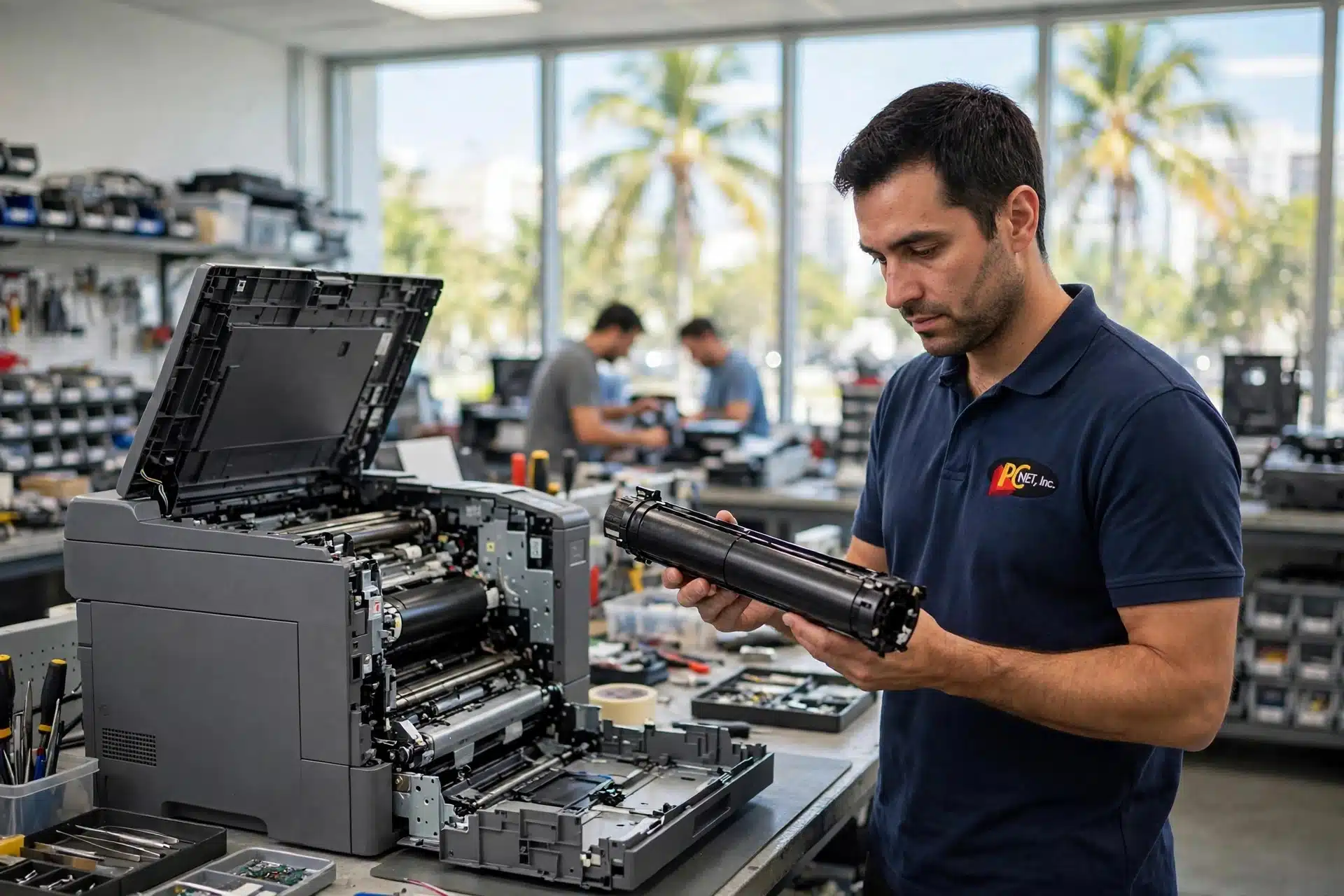
If you can wipe the print off the page with your thumb, your printer is telling you something specific. On the HP LaserJet Enterprise M604, M605 and M606, that symptom — along with smearing, wrinkling and marks that repeat down the page — points at one part more than any other: the fuser. Fuser problems are some of the most clear-cut calls in printer repair, because the fuser’s job is easy to understand and its failures are easy to see. This guide covers what the fuser does, the six signs it is failing, a two-minute test that separates a fuser problem from a toner cartridge problem, and what a fuser replacement actually involves on this series.
At a glance
Part: Fuser kit E6B67-67901 (110V) · 220V: E6B67-67902
Fits: HP LaserJet Enterprise M604, M605 and M606
Difficulty: HP rates it among the easiest customer-replaceable parts — no special tools
In-shop diagnostic at PC Net, Inc.: $35
What does the fuser actually do?
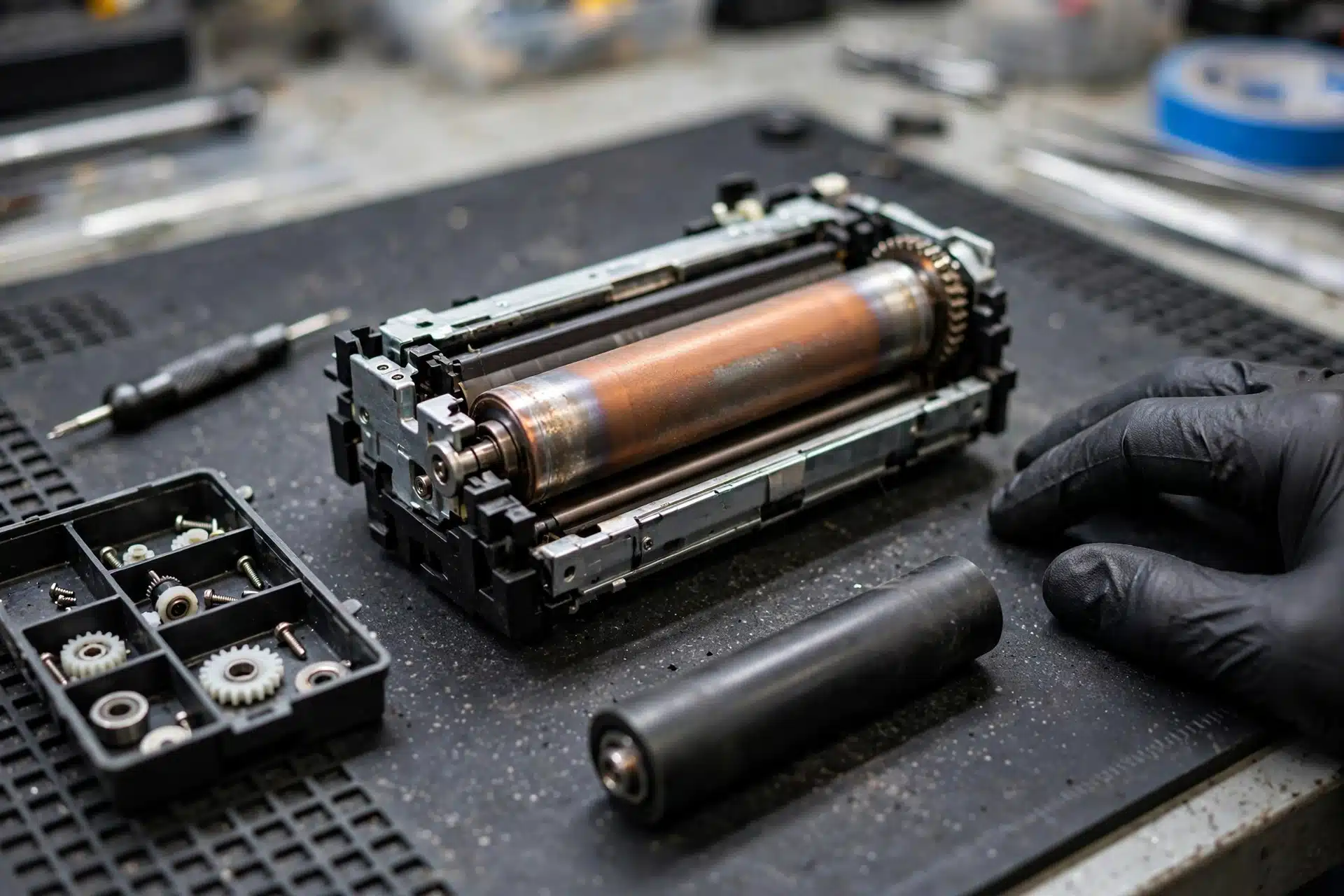
Toner starts out as a fine powder. As the page moves through the printer, the image is placed on the paper loosely — at that point you could brush it off with a fingertip. The fuser is the last stop: a heated assembly that uses heat and pressure to melt that powder into the fibers of the page so it stays there permanently. Every finished print you have ever pulled out of a LaserJet, still warm, just came through the fuser.
Because it works with heat and pressure on every single page, the fuser is a wear part. Its surfaces age, its pressure roller hardens and loses its even grip, and its heating performance fades. When that happens, the bonding step is the first thing to suffer — which is why a failing fuser announces itself in the print itself, not with a warning light. A good printer repair shop reads those announcements the way a mechanic reads engine noises: each symptom narrows the diagnosis.
Six signs your fuser is failing
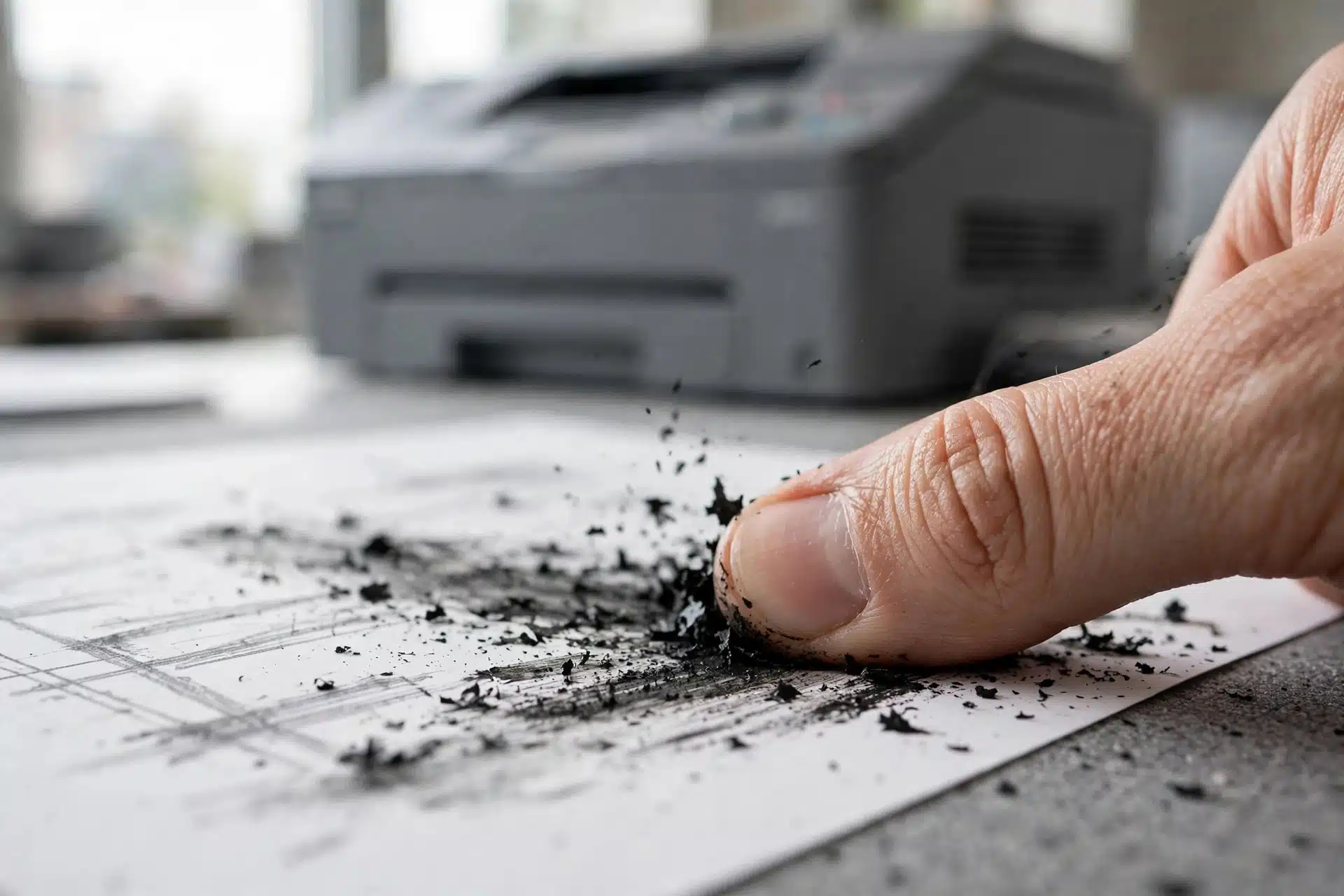
- Toner rubs or flakes off the page. Run a thumb firmly over a printed area. If toner comes away on your skin or the print smears, it never got properly fused. This is the signature fuser symptom.
- Smearing and ghosting. Text or images smudge, trail, or repeat faintly further down the page — toner being picked up and re-deposited instead of bonded.
- Wrinkled, creased or wavy pages. A worn pressure roller or uneven heat distorts the sheet as it passes through, so pages come out looking handled even on a short run.
- Repeating marks at a regular interval. A damaged spot on the fuser roller prints the same flaw again and again at the same spacing down the page.
- Dull, patchy or uneven print that looks tired overall — and does not improve with a new toner cartridge.
- Occasional jams right at the exit, where the page has to pass through the fuser on its way out — less common than the print-quality signs, but part of the same picture.
One honest caution: several of these symptoms overlap with other parts. Repeating marks can also come from the transfer roller, and light print can be a cartridge on its way out. That is exactly what the test in the next section is for — it keeps a printer repair visit from becoming a parts-guessing exercise.
Seeing your printer in that list? Bring it in for a $35 in-shop diagnostic — we confirm the fuser is the fault before any parts are ordered. Call (305) 513-8614, Monday to Friday.
Fuser or toner cartridge? The two-minute test
Before you order anything, do what any printer repair technician would do first: swap in a known-good toner cartridge — ideally a new one — and print the same document again.
- If the print comes out clean and the toner stays put under your thumb, your cartridge was the problem. Done, and it cost you nothing but a cartridge you would have used anyway.
- If the rubbing, smearing or wrinkling is exactly the same with the good cartridge fitted, the cartridge is innocent. The fault is downstream, in the parts that handle the page after the image is placed — and the fuser is at the top of that list.
While you are at the printer, print a configuration page from the control panel and note the total page count. These are high-volume machines, and a high page count beside classic fuser symptoms is a strong signal: wear parts do not heal, and a fuser that is starting to fail does not get better with time. Knowing the count also helps a printer repair shop quote you accurately instead of guessing over the phone.
Fuser only, or the whole maintenance kit?
This is the decision point, and it deserves a straight answer. The fuser for this series is sold two ways: on its own, as fuser kit E6B67-67901 (110V, for standard U.S. power; the 220V version is E6B67-67902), and as part of the preventive maintenance kit F2G76-67901, which bundles the fuser with the transfer roller and the tray roller kit.
Replace the fuser alone when the rest of the wear parts are genuinely healthy — page count is moderate, feeding is clean, and the transfer roller is producing even prints. Choose the maintenance kit when the page count is high or the rollers are showing their age too, because those parts wear at roughly the same pace: paying labor twice, a few months apart, is the expensive way to own this printer. We laid out the full comparison, the kit contents and the signs for each part in our maintenance kit guide — it is the companion piece to this one, and between the two you can work out which side of the line your machine is on before you spend anything.
Can you replace the fuser yourself?
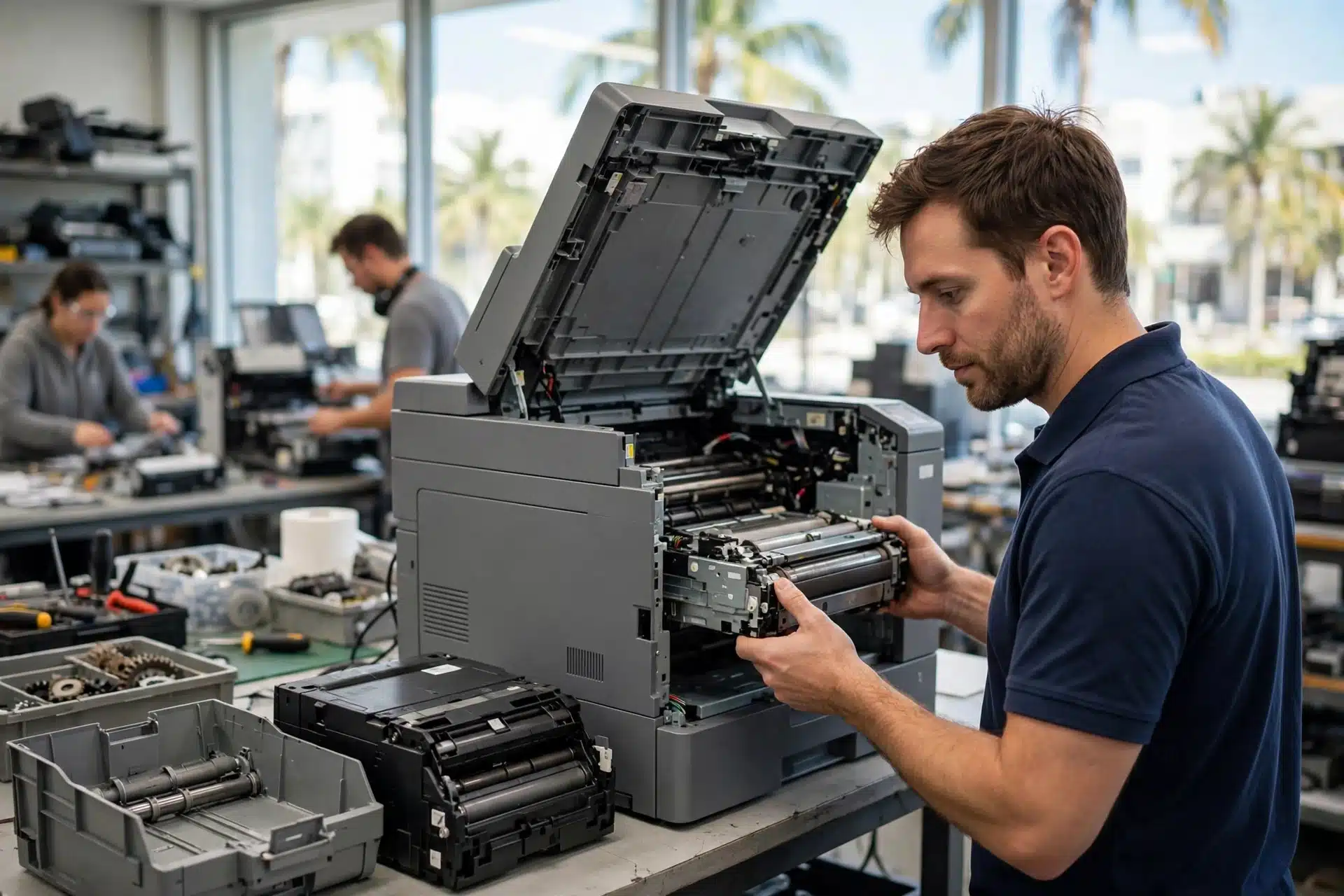
HP rates the fuser on this series among its easiest customer-replaceable parts, and the swap itself is genuinely simple: no special tools are required. The fuser is reached from the back of the printer. With the machine off and unplugged, the duplex accessory (if one is fitted), its cover and the rear output bin come off, you squeeze the blue release tabs, and the old fuser pulls straight out. The replacement pushes in until both sides snap into place, the rear pieces go back on, and a printed configuration page confirms the printer is working correctly.
Two safety points a printer repair shop will insist on, because they matter:
- Power discipline. Switch the printer off, wait at least 30 seconds, and unplug the power cord before opening anything. That order is deliberate — it protects both you and the printer’s electronics.
- Heat. The fuser does its job by getting hot, and it stays hot after the last print. Let the printer sit for at least five minutes after power-off before you touch the fuser, and handle the unit carefully — a dropped or jarred fuser can be damaged before it ever prints a page.
So yes, a careful office IT person can do this job. The reason businesses still bring it to us is the diagnosis, not the swap: confirming the fuser is really the fault, deciding between the fuser alone and the maintenance kit, and standing behind the result. If your printer is business-critical, that certainty is the part worth paying for.
Frequently asked questions
How much does a fuser replacement cost?
The fuser kit is E6B67-67901 for U.S. 110V machines, and the total depends on whether the fuser alone or the full maintenance kit makes sense for your printer. What you can know up front: our in-shop diagnostic is $35 for printers, and we will confirm the fuser is the fault before any parts are ordered — no guessing with your money.
How long should a fuser last?
There is no honest single number: it depends on your print volume, the paper you run and the environment the printer lives in. Judge it by symptoms and page count, not the calendar — toner that rubs off is a fuser asking for attention today, whatever its age. That is how a printer repair shop evaluates it, and it is the test we would apply to our own machine.
Will a new fuser fix toner that rubs off?
If the rub-off comes from the fuser — which the cartridge swap test above helps confirm — then yes, bonding is the fuser’s entire job, and a new unit restores it. If the test points elsewhere, we will tell you that instead of selling you a fuser that changes nothing.
Is the fuser the same part in the M604, M605 and M606?
For this series, yes: all three models use the same fuser kits — E6B67-67901 for 110V and E6B67-67902 for 220V. Just make sure you match the voltage to your power supply; a U.S. office wants the 110V kit.
Printer repair in Miami: when to bring it to PC Net, Inc.
If the cartridge test left your symptoms untouched and your page count says this printer has worked hard, you are most likely looking at a fuser — and it is a repair worth doing on a machine built like this one. PC Net, Inc. has handled printer repair for Miami-Dade businesses since 1998, our head technician Robert brings more than 25 years of experience to the bench, and printer repairs carry our 90-day parts and labor warranty. The diagnostic is $35: we confirm the fault, tell you plainly whether the fuser alone or the maintenance kit is the smarter spend, and quote before any work starts. And if the printer can’t come to us, we can come to it — we do on-site printer repair for business machines across Miami-Dade.
If you have been searching for printer repair near me because your LaserJet’s prints wipe off in your hand, bring the machine in — or start on our Printer Repair page, and reach us through our Contact page or at (305) 513-8614, Monday to Friday. For drivers, firmware and HP’s own product help for this series, see HP’s official support page — software is HP’s department; worn hardware is ours.
PC Net, Inc. is an independent repair company. HP and LaserJet are trademarks of HP Inc. This guide is not published or endorsed by HP.