
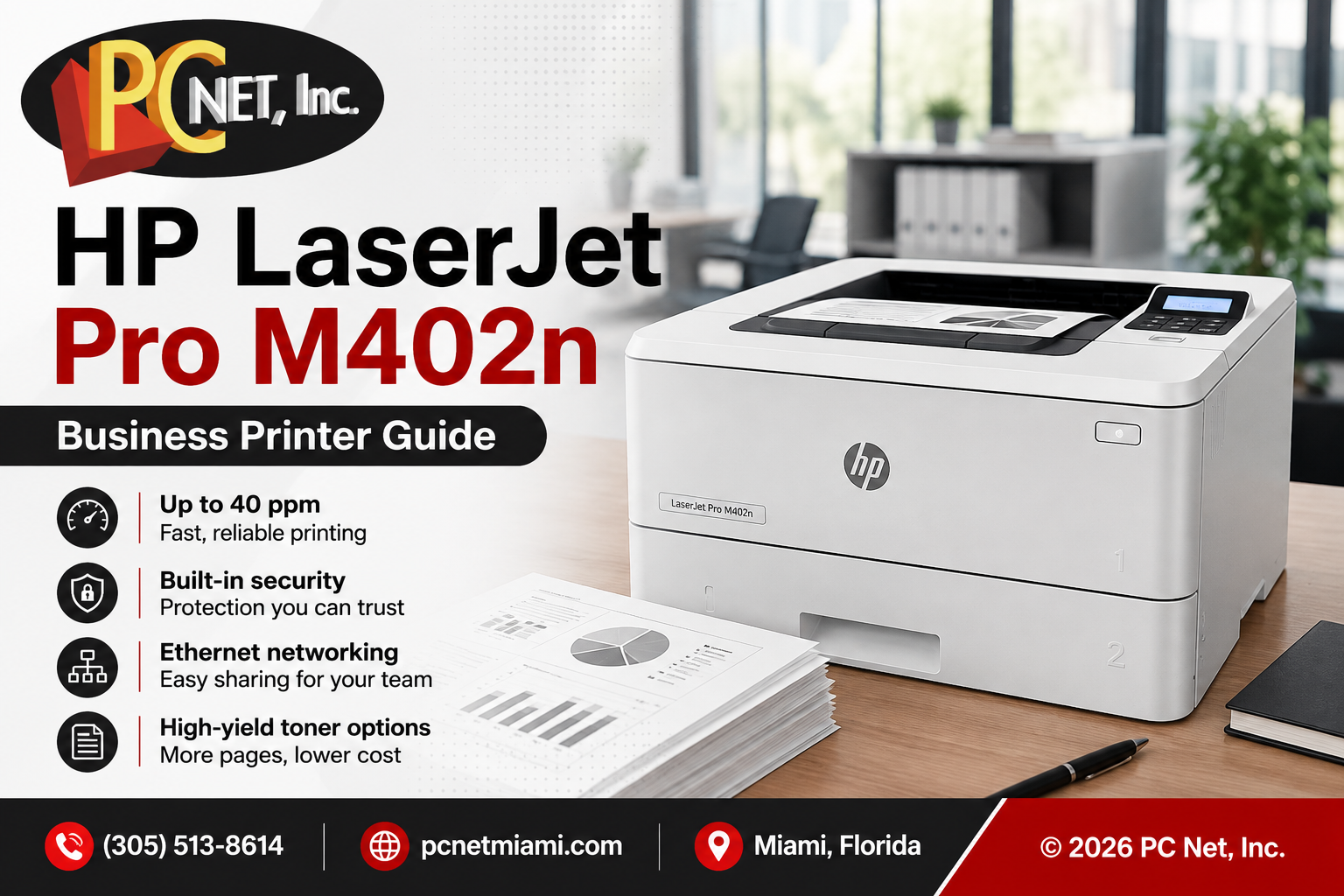
The HP LaserJet Pro M402n is a monochrome laser printer designed for business environments that need fast black-and-white printing, Ethernet connectivity, and a compact footprint. Many of these printers remain in use today, making maintenance, troubleshooting, and deciding when to repair or replace the printer increasingly important.
For businesses already using an M402n, understanding its capabilities and limitations can help determine whether it still meets the needs of the office.
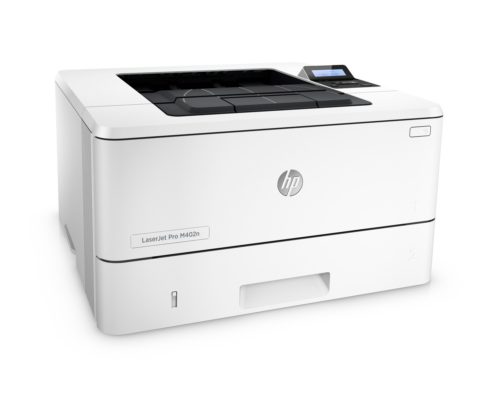
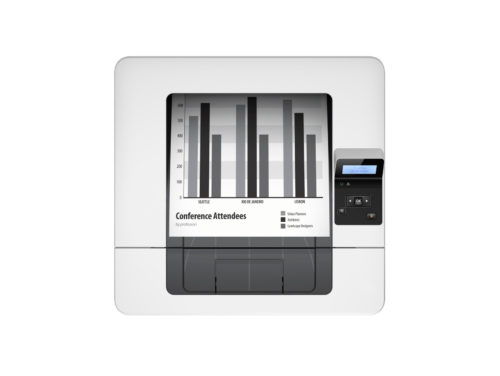
HP LaserJet Pro M402n at a Glance
The HP LaserJet Pro M402n was designed primarily for office document printing. It is a single-function monochrome laser printer, meaning it prints in black and white but does not provide scanning, copying, or fax capabilities.
Its combination of fast printing and wired network connectivity made it particularly suitable for small workgroups that needed a shared business printer.
Some key specifications include:
| Specification | HP LaserJet Pro M402n |
|---|---|
| Print Speed | Up to 40 ppm black |
| First Page Out | As fast as 5.6 seconds |
| Print Resolution | HP FastRes 1200 |
| Print Technologies | HP FastRes 1200, HP ProRes 1200, 600 dpi |
| Standard Memory | 128 MB |
| Network Connection | Gigabit Ethernet |
| USB | Hi-Speed USB 2.0 |
| Multipurpose Tray | 100 sheets |
| Main Input Tray | 250 sheets |
| Output Bin | 150 sheets |
| Optional Paper Tray | Up to 550 sheets |
| Display | 2-line backlit LCD |
Fast Printing for Business Documents
With print speeds of up to 40 pages per minute, the HP LaserJet Pro M402n was built for offices that regularly produce invoices, reports, contracts, forms, correspondence, and other black-and-white business documents.
Its relatively fast first-page-out time is also useful in offices where employees frequently send smaller print jobs throughout the day rather than one large batch.
However, print speed alone should not determine whether a printer is appropriate for a business. Monthly print volume, paper handling, network requirements, supply costs, and the age and condition of the printer should also be considered.
Ethernet Network Printing
One of the most useful features of the HP LaserJet Pro M402n for a business environment is its built-in Gigabit Ethernet connection.
Connecting the printer to the office network allows multiple authorized computers to share the device instead of requiring a direct USB connection to an individual workstation.
Network printing problems, however, are not always caused by a defective printer. A printer that suddenly appears offline or stops receiving jobs can sometimes be experiencing an IP address, driver, Windows print queue, network configuration, or connectivity problem.
For that reason, proper troubleshooting should identify whether the problem originates with the printer, computer, or network before hardware is replaced.
Paper Handling and Expansion
The M402n includes a 100-sheet multipurpose tray and a 250-sheet main input tray, providing flexibility for common office paper sizes and media.
An optional additional paper tray can expand capacity for offices with higher printing requirements.
As these printers age, paper-feed components can wear. Pickup problems, repeated paper jams, multiple-sheet feeding, and unusual noises can sometimes indicate worn rollers or other paper-path components rather than a need to replace the entire printer.
If your office is experiencing repeated feeding problems, see our guide to office printer paper jams.
Toner and Print Quality
The HP M402n uses black toner cartridges designed for monochrome laser printing. High-yield cartridge options can be useful for businesses with greater print volumes because they reduce how frequently toner needs to be replaced.
Toner, however, is not the only possible cause of poor print quality.
Faded output, streaks, repeating marks, smudging, or other defects can result from several components or operating conditions. Replacing toner without first identifying the source of the problem can result in unnecessary expense.
For additional troubleshooting information, see our guide to printer printing faded or streaky.
Energy Management
The M402n includes HP Auto-On/Auto-Off technology designed to reduce unnecessary energy consumption when the printer is not actively being used.
For a business with multiple computers, printers, and network devices operating throughout the workday, energy-management features can contribute to a more efficient technology environment.
Is the HP LaserJet Pro M402n Still Good for Business?
For businesses that already own one, an HP M402n can still be useful when the printer remains reliable and its capabilities match the needs of the office.
Businesses primarily printing black-and-white documents may not need to replace a functioning printer simply because a newer model is available.
However, replacement may make more sense when the business needs features the M402n does not provide, when repair costs become excessive, or when reliability begins affecting employee productivity.
Before replacing an older business printer, comparing the cost of repair with the cost and capabilities of a replacement can help avoid unnecessary spending.
Common HP M402n Problems
As an HP LaserJet Pro M402n accumulates age and print volume, businesses may encounter problems such as:
- Recurring paper jams
- Failure to pick up paper
- Multiple sheets feeding at once
- Faded or streaked print
- Error messages
- Printer offline or network communication problems
- Unusual noises while printing
Some of these symptoms may have relatively straightforward solutions, while others require diagnosis of mechanical or electronic components.
For current drivers, manuals, firmware information, and manufacturer documentation, visit HP Support.
HP Printer Repair in Miami
PC Net, Inc. provides professional printer repair services in Miami for businesses experiencing problems with HP and other business printers.
We can help diagnose paper-feed problems, print-quality issues, error messages, connectivity problems, and other printer failures to determine whether repair or replacement makes the most sense.
PC Net also provides business IT support in Miami, helping local businesses with computers, networks, cybersecurity, backups, Microsoft 365, and other technology needs.
Call PC Net, Inc. at (305) 513-8614 for printer or business IT support in Miami.