

If your business email keeps going to spam, important messages may never reach your customers, vendors, or employees. Email deliverability problems can affect communication, delay responses, and make legitimate business messages look suspicious to receiving email systems.
There isn’t always one simple cause. Problems with domain authentication, email content, sender reputation, mailing practices, or Microsoft 365 settings can all contribute to messages being filtered into junk or spam folders. In this guide, we’ll explain seven things to check when business emails are going to spam and when it may be time to get professional IT support.
Why Does My Business Email Keep Going to Spam?
Email providers use automated filtering systems to decide whether incoming messages should reach the inbox, junk folder, or be rejected entirely. These systems evaluate many signals, including the sending domain, authentication records, sender reputation, message content, recipient engagement, and sending patterns.
If legitimate business emails repeatedly land in spam, the problem may not be with the recipient’s computer or email application. The issue can originate with the sender’s domain configuration, email account, mail server, or the way messages are being sent.
It is also important to determine whether the problem affects one recipient or many recipients. If only one person is affected, their individual spam settings or blocked-sender list may be involved. If messages are going to spam for customers across different organizations and email providers, the problem may require a closer look at your business email configuration and sender reputation.
7 Things to Check When Your Business Email Keeps Going to Spam
1. Check Your SPF Record
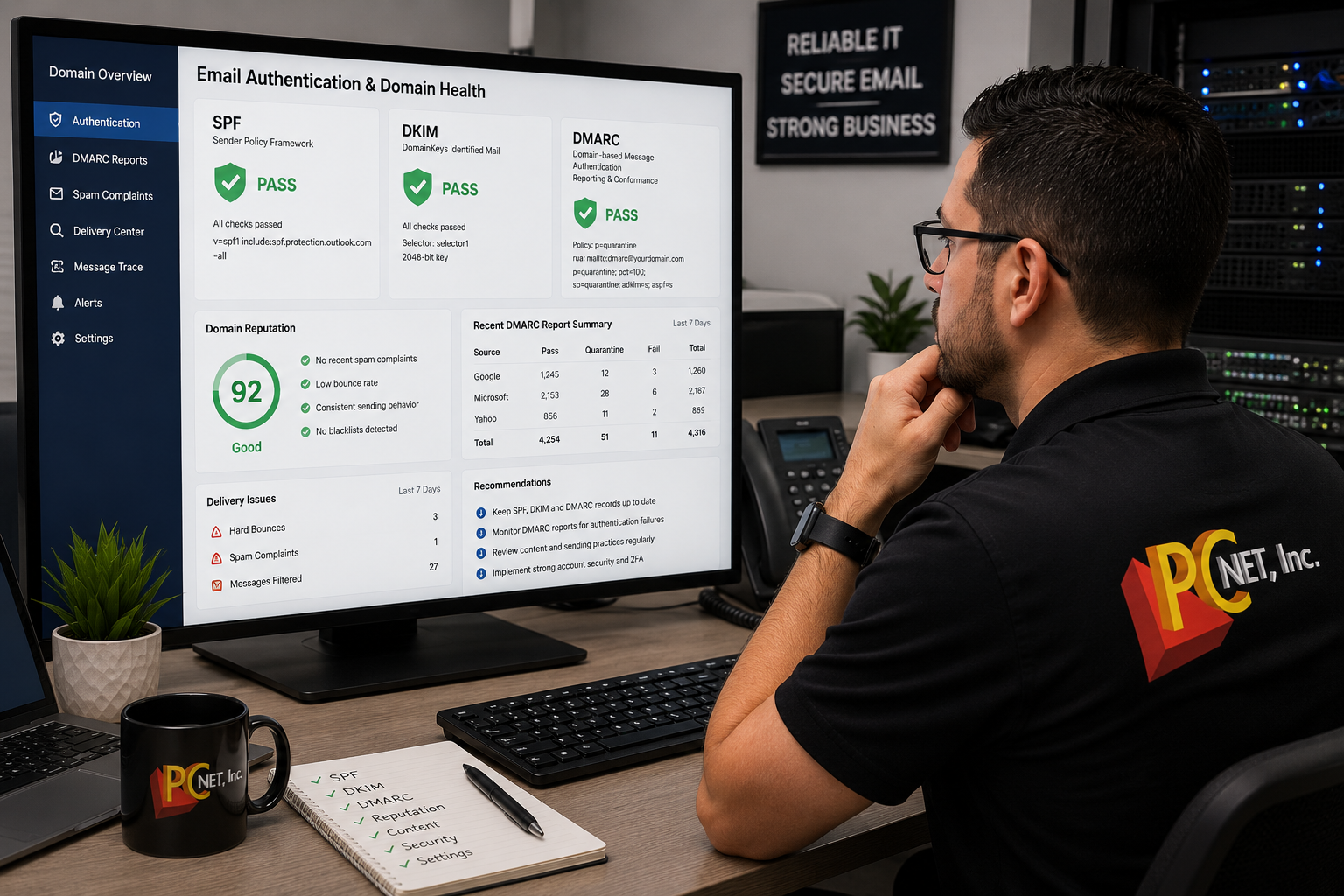
SPF (Sender Policy Framework) helps receiving email systems verify which mail servers are authorized to send email for your domain. If the SPF record is missing, incorrectly configured, or includes outdated services, legitimate messages may be more likely to encounter delivery problems.
2. Make Sure DKIM Is Configured
DKIM (DomainKeys Identified Mail) adds a digital signature to outgoing messages that receiving systems can use to verify that the email was authorized by your domain and was not altered in transit. A missing or improperly configured DKIM record can weaken email authentication.
3. Review Your DMARC Configuration
DMARC works with SPF and DKIM and provides instructions for how receiving systems should handle messages that fail authentication checks. A properly planned DMARC configuration can help protect your domain from unauthorized use while giving administrators better visibility into email authentication problems.
4. Check Your Domain and Sender Reputation
Email providers evaluate the reputation of domains and sending infrastructure when filtering messages. High bounce rates, spam complaints, compromised accounts, or unusual sending activity can negatively affect reputation and make legitimate business email more difficult to deliver reliably.
5. Review the Content of Your Emails
Message content can also influence spam filtering. Excessive links, misleading subject lines, unusual attachments, poorly formatted messages, or other characteristics associated with unwanted email may increase the likelihood of filtering. Business emails should use clear subject lines, professional formatting, and links or attachments only when necessary.
6. Check for Compromised Email Accounts
If a business email account has been compromised and used to send spam or large numbers of unauthorized messages, the account or domain may develop reputation problems. Unexpected messages in Sent Items, unfamiliar sign-ins, unusual forwarding rules, or reports from contacts receiving messages you did not send should be investigated promptly.
7. Review Microsoft 365 or Email Service Settings
For businesses using Microsoft 365 or another hosted email platform, administrators should review outbound mail settings, authentication configuration, forwarding rules, connectors, and security policies when delivery problems occur. Misconfiguration or unauthorized changes can sometimes affect how business email is sent and received.
What to Check Before Calling for Business Email Support
If your business email keeps going to spam, there are several things you can check before requesting professional IT support:
- Determine how many recipients are affected. Test whether the problem occurs with one recipient or with multiple customers and organizations. A problem affecting many different recipients may indicate a broader email deliverability issue.
- Check the recipient’s junk folder. Confirm that the message actually reached the junk or spam folder rather than being rejected or never delivered. These are different problems and may require different troubleshooting.
- Review recent email changes. Consider whether the problem began after changing your domain, DNS records, email provider, Microsoft 365 configuration, website forms, or another service that sends email using your domain.
- Check for unusual activity. Review your email account for unfamiliar sent messages, forwarding rules, sign-ins, or other activity that could indicate an account has been compromised.
- Review recent sending patterns. A sudden increase in outbound messages, large mailing lists, repeated delivery failures, or high bounce rates can affect how receiving systems evaluate your email.
- Test different types of messages. Determine whether simple text emails reach the inbox while messages containing links, attachments, signatures, or other content are filtered into spam.
- Do not randomly change DNS records. SPF, DKIM, and DMARC are important for email authentication, but incorrect changes can interfere with legitimate email delivery. If you are unsure how your domain is configured, have the records reviewed before modifying them.
Keep examples of affected messages, including the recipient’s email provider, approximate sending time, and any delivery or bounce-back messages you receive. This information can make email troubleshooting much more efficient.
For additional guidance on business email authentication and delivery problems, you can also review Microsoft’s official guide to troubleshooting email authentication in Microsoft 365.
When to Call an IT Professional for Email Deliverability Problems
If your business email continues going to spam for multiple customers or organizations, the problem may require more than changing an Outlook setting. Email authentication, DNS configuration, sender reputation, Microsoft 365 settings, or account security may need to be reviewed.
Professional troubleshooting can help determine whether SPF, DKIM, and DMARC are configured correctly, whether an email account has been compromised, and whether your domain or sending practices are contributing to delivery problems.
If you are experiencing broader technology or Microsoft 365 issues, learn more about our Managed IT Services and business IT support in Miami.
If you need assistance diagnosing an email problem, you can also contact PC Net for support.
Frequently Asked Questions
Why are my business emails suddenly going to spam?
Business emails may suddenly begin going to spam because of changes to SPF, DKIM, or DMARC authentication, sender reputation problems, unusual sending activity, email content, or changes to your email service. If the problem affects multiple recipients, the domain and email configuration should be reviewed.
Can SPF, DKIM, and DMARC help keep business email out of spam?
These authentication methods help receiving email systems verify that messages are legitimately associated with your domain. Properly configured SPF, DKIM, and DMARC can strengthen email authentication, but they do not guarantee that every message will reach the inbox because email providers evaluate additional signals when filtering messages.
Why do my emails go to spam for some customers but not others?
Different email providers and organizations use their own filtering systems and security policies. A message may reach one recipient’s inbox while another provider sends it to spam. Comparing affected recipients, authentication results, message content, and delivery information can help identify a pattern.
Can a compromised Microsoft 365 account cause email delivery problems?
Yes. If an account is compromised and used to send unauthorized or high-volume email, it can create security and reputation problems. Unfamiliar sign-ins, unexpected forwarding rules, or messages you did not send should be investigated promptly.
Need Help With Business Email Going to Spam in Miami?
If your business email keeps going to spam and the problem affects multiple customers or organizations, PC Net can help investigate the underlying cause. Email deliverability problems may involve Microsoft 365 settings, SPF, DKIM, DMARC, DNS configuration, sender reputation, account security, or other email-system issues.
PC Net provides business IT support, Microsoft 365 assistance, cybersecurity, and managed IT services for businesses in Miami, FL and nearby communities. Our team can review your email environment and help identify configuration or security problems that may be affecting reliable business communication.
Need help troubleshooting your business email? Contact PC Net today or call (305) 513-8614 to discuss your email or IT support needs.