
Disclosure: This article contains an affiliate link to Malwarebytes Premium, a product we recommend and install. If you buy through that link, PC Net, Inc. earns a commission at no extra cost to you. It never changes what we recommend — we only link to what we would put on a customer’s computer ourselves.

For illustration only.
Somewhere in your building there is probably a cheap streaming box — the little Android TV box in the waiting room, the one in the break room, maybe one behind the lobby screen or at the restaurant bar. It cost less than a team lunch, it plays the news or the game, and nobody has thought about it since the day it was plugged in.
Federal investigators have been thinking about it. Over the past year, the FBI, Google, and security researchers have documented how more than a million off-brand Android streaming boxes were sold with a hidden backdoor already built in — and then rented out, without their owners knowing, as infrastructure for criminals. If one of those boxes is sitting on your network — at the office, or under the TV at home — it is worth an hour of your attention. Here is the story, the names to check, and the checklist.
- What happened: security researchers and the FBI found that certain cheap, off-brand Android TV boxes and set-top boxes shipped with malicious software hidden in the firmware — installed before the box was ever sold.
- What criminals did with them: sold access to the boxes as “residential proxies,” routing scams, account break-ins, and other traffic through the victim’s internet connection.
- The names to check: SuperBOX, Xfinity Quadcore, XGODY, MX10 PRO, M96 Max, X88 Pro 10, and W95 are among the devices named in the reporting.
- The telltale sign: websites — especially Google — suddenly treating your internet connection as suspicious, with constant “unusual traffic” checks.
- Key fact: a factory reset does not remove a backdoor that lives in the firmware. Affected boxes should be replaced, not wiped.
- Through November 30: PC Net, Inc. is offering a free on-site network evaluation for Miami-Dade businesses — see our Specials page or call (305) 513-8614.
What investigators found inside these boxes
The reporting reads like a supply-chain thriller. Security firm HUMAN Security identified the operation — known as BadBox 2.0 — and the FBI issued a public warning about it in 2025. The pattern: inexpensive Android streaming devices, made by little-known manufacturers and sold through third-party resellers on major retail platforms, carried hidden malicious software in their firmware — the deep software the device runs on, installed at the factory, before any customer touched the box.
Once plugged in and connected, the boxes quietly checked in with their operators. A related operation, tracked as the Kimwolf botnet, grew to more than 1.6 million infected devices worldwide, according to Google, which filed a lawsuit against the botnet’s operators. In November 2026, U.S. authorities, working with Cloudflare, Google, and Walmart, seized the web domains the proxy service used to run the network — the latest step in shutting it down.
What was all this machinery for? Mostly, selling access. Criminals paid to route their internet traffic through these boxes, so their scams, account break-ins, and bulk account creation appeared to come from ordinary homes and businesses — from connections like yours. The box on your network was, in effect, a rented hideout. And it streamed perfectly the whole time; that silence was the business model.
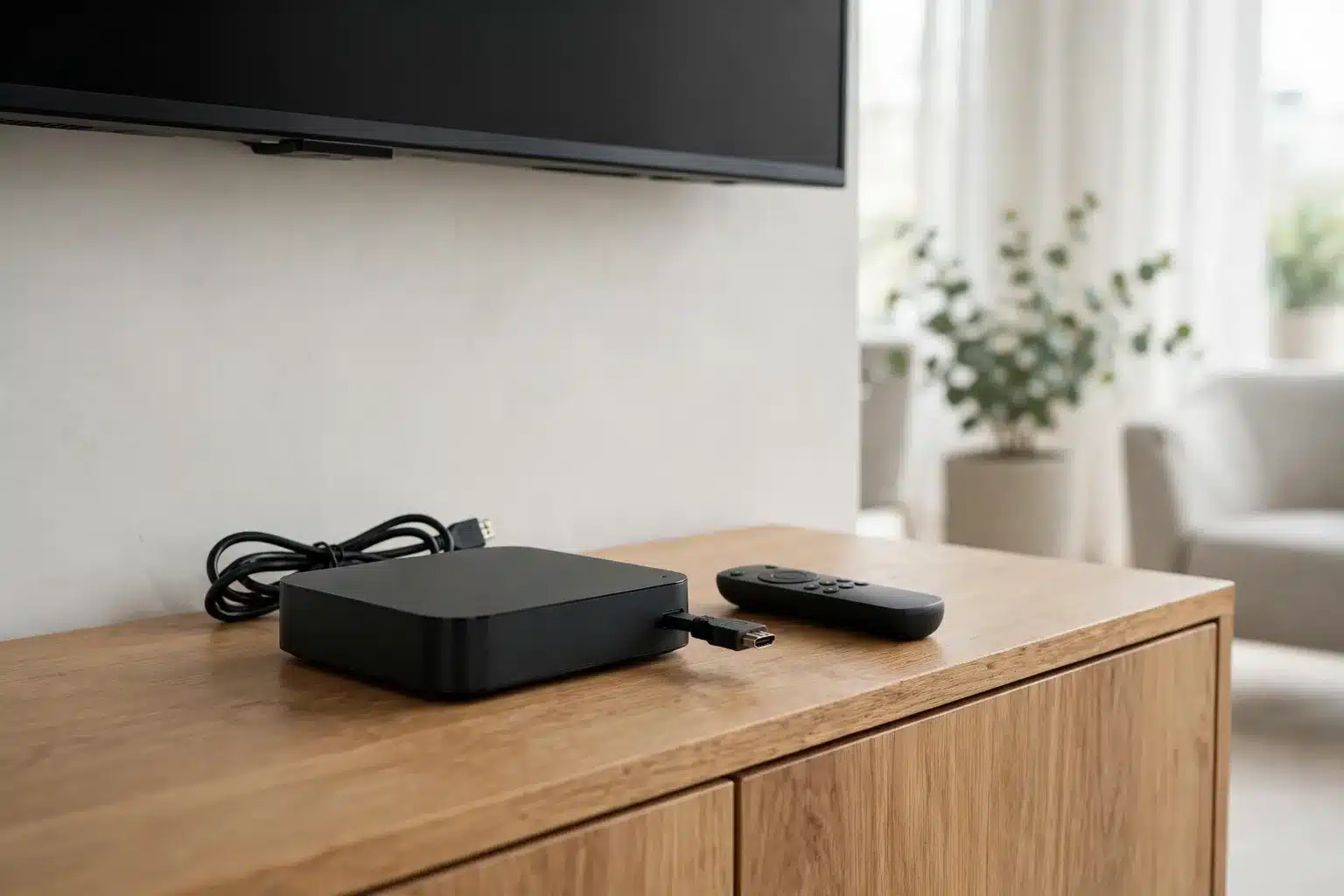
For illustration only.
The names to check
The devices named in the FBI warning and the research were not the big brands. They were bargain Android boxes, including:
- SuperBOX
- Xfinity Quadcore
- XGODY
- MX10 PRO
- M96 Max
- X88 Pro 10
- W95
The warning signs matter as much as the names. Treat any box as suspect if it cannot use the Google Play Store at all, if setup asked you to turn off Google Play Protect, if it came from an unfamiliar brand or an unknown seller’s storefront, or if it generates internet traffic nobody can explain. Any cheap streaming box on your premises that you cannot clearly account for — who bought it, from where, and when — deserves a closer look.
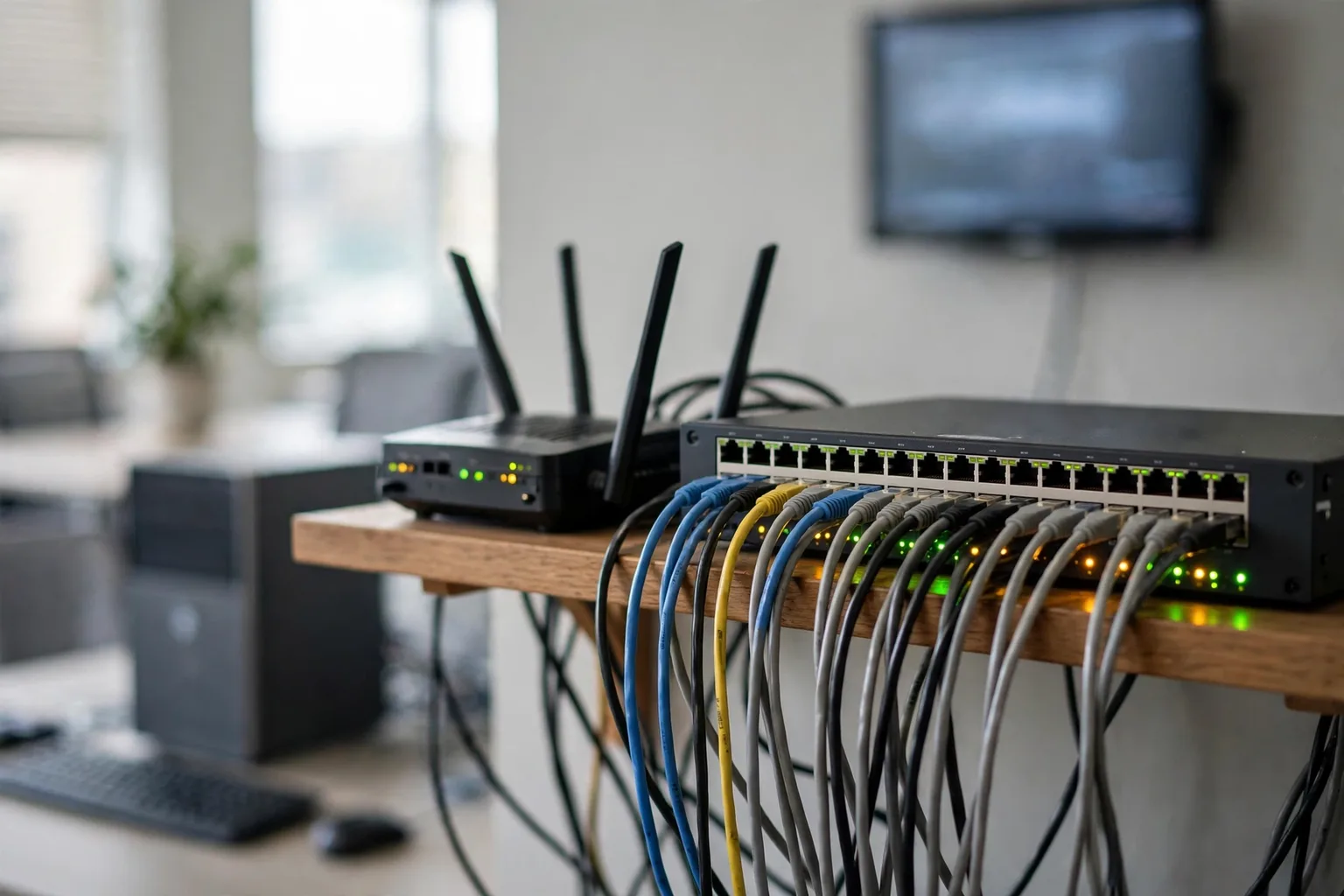
For illustration only.
Why “it’s just a TV box” is exactly the problem
A computer gets updates, antivirus, and at least occasional attention. A streaming box gets none of that — yet on most small-business networks it sits on the same network as the office computers, the server, and the card terminal. That creates three problems:
- It is an unguarded door inside the building. A compromised device already past your router is a foothold on the inside of your network — the hard part of breaking in, done for free.
- Your internet connection takes the blame. Traffic from the proxy network looks like it comes from your business or your home. Victims in the reporting first learned something was wrong when Google itself began treating their connection as suspicious — because, from the outside, it was doing suspicious things.
- Nobody owns it. It is not on any inventory, it gets no updates anyone verifies, and no one would notice if it behaved strangely. Unmonitored devices are where problems live longest.
None of this is a reason to panic over a waiting-room TV. It is a reason to treat every internet-connected gadget as part of your network — because it is.
For illustration only.
The warning signs your connection is being used
Because the box’s hidden job is lending out your internet connection, the symptoms show up at the connection level — in an office or at home:
- Websites keep challenging you — endless “are you a robot” checks, or pages that refuse to load from your network but work fine on a phone’s mobile data.
- Google flags your searches with “unusual traffic from your computer network” messages.
- Accounts behave strangely — password-reset emails nobody requested, or company and personal accounts showing logins from places nobody recognizes.
- The network feels busy when nobody is using it — router activity at hours when the office is closed or the house is asleep.
If that pattern sounds familiar, do not shrug it off as “the internet being weird.” It is exactly how the owners in the reporting found out.
What to do about the boxes on your network
Work through the building, room by room:
- Inventory every streaming box and smart TV gadget. If it is on the list above — or it is an unknown-brand Android box nobody can vouch for — unplug it from the network. Replacement is the fix; a factory reset does not remove a firmware-level backdoor.
- Replace with name-brand hardware bought from the manufacturer or an authorized retailer — the official streaming brands, bought through official channels, were not the problem here.
- Put gadgets on their own network. TVs, streaming boxes, cameras, and guest Wi-Fi belong on a separate guest or device network, walled off from the computers that hold your business data. This one change limits the damage any single gadget can do, and it is a standard part of how we set up Managed IT services in Miami.
- Never disable Google Play Protect or sideload apps on any Android device used at work. A device that asks for that during setup is telling you what it is.
- Change the router’s admin password if it is still the default, and review which devices are connected. Remove anything you do not recognize.
- Keep watching for the smoke signs above. They can be the first visible symptoms of a proxy running on your network — and they are worth a call to whoever handles your computer and network support.
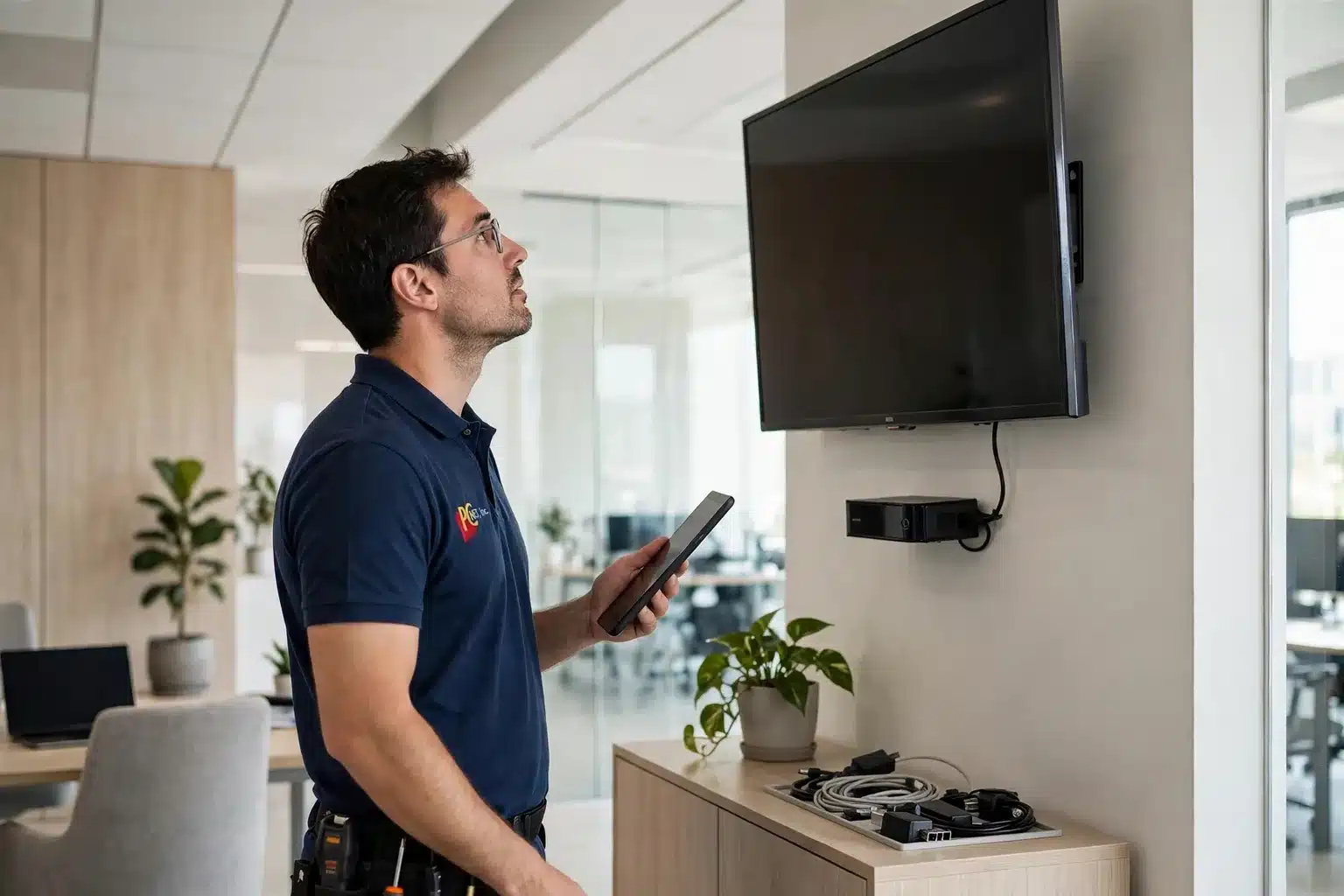
For illustration only.
The protection layer for the devices you keep
The deeper lesson of this story is that the dangerous device was the one nobody was watching. Protection that covers the computers but not the rest of the network leaves the side door open. For the Android phones and tablets your team uses, we recommend and install Malwarebytes Premium — it includes protection for Android that scans apps and devices for malicious software, and it blocks malware, scams, and malicious sites in real time, on PCs, Macs, and phones.
For the primary reporting behind this article, see the FBI’s public warning on compromised IoT devices via the Internet Crime Complaint Center and the coverage from Krebs on Security.
Frequently asked questions
Our streaming box works fine. Could it still be part of this?
Yes. These boxes streamed normally — that was the point. The malicious activity ran quietly in the background, so "it works" tells you nothing. What matters is the brand, where it was bought, and the warning signs listed above.
Would a factory reset clean an affected box?
No. The backdoor documented in this reporting lives in the device's firmware, which a factory reset does not replace. An affected or unidentifiable box should be disconnected and replaced with name-brand hardware from an official seller.
We bought ours on a big retail site. Doesn't that make it safe?
Not by itself. The reporting found these boxes sold by third-party resellers operating storefronts on major platforms — the platform's name was on the page, but the seller and the device were unknown brands. Name-brand devices bought from the manufacturer or an authorized retailer were not named in this reporting; where and from whom you bought it matters as much as what it is.
Is this only a home problem?
No — arguably it matters more at a business. A home box endangers one household's connection; a box on a business network sits alongside the computers, files, and payment systems the business runs on, and the traffic it proxies out is attributed to the business's internet account.
PC Net, Inc. is an independent computer and printer repair company in Miami, FL, serving Miami-Dade businesses since 1998. Malwarebytes is a trademark of Malwarebytes Inc. This guide reflects our shop’s experience and is not published or endorsed by Malwarebytes Inc.